iPaaS (integration platform as a service) is the cloud layer that lets a retailer’s systems share data without anyone re-keying it. It’s what stops orders being typed into the ERP by hand, or stock showing as available on one channel after it’s sold out on another.
Most of those problems stay small until peak trading. Then order volumes jump, and a connection that coped all year stops coping.
This guide covers what iPaaS is and how it works. It also explains how iPaaS differs from similar terms, and how to tell when your business needs one.
What is iPaaS?
iPaaS (integration platform as a service) is a cloud platform that connects your business systems and keeps data moving between them automatically. For a retailer, those systems are usually the storefront, ERP, warehouse, marketplaces and finance tools. Instead of maintaining a separate connection for every pair of systems, you build, run and monitor them all in one place.
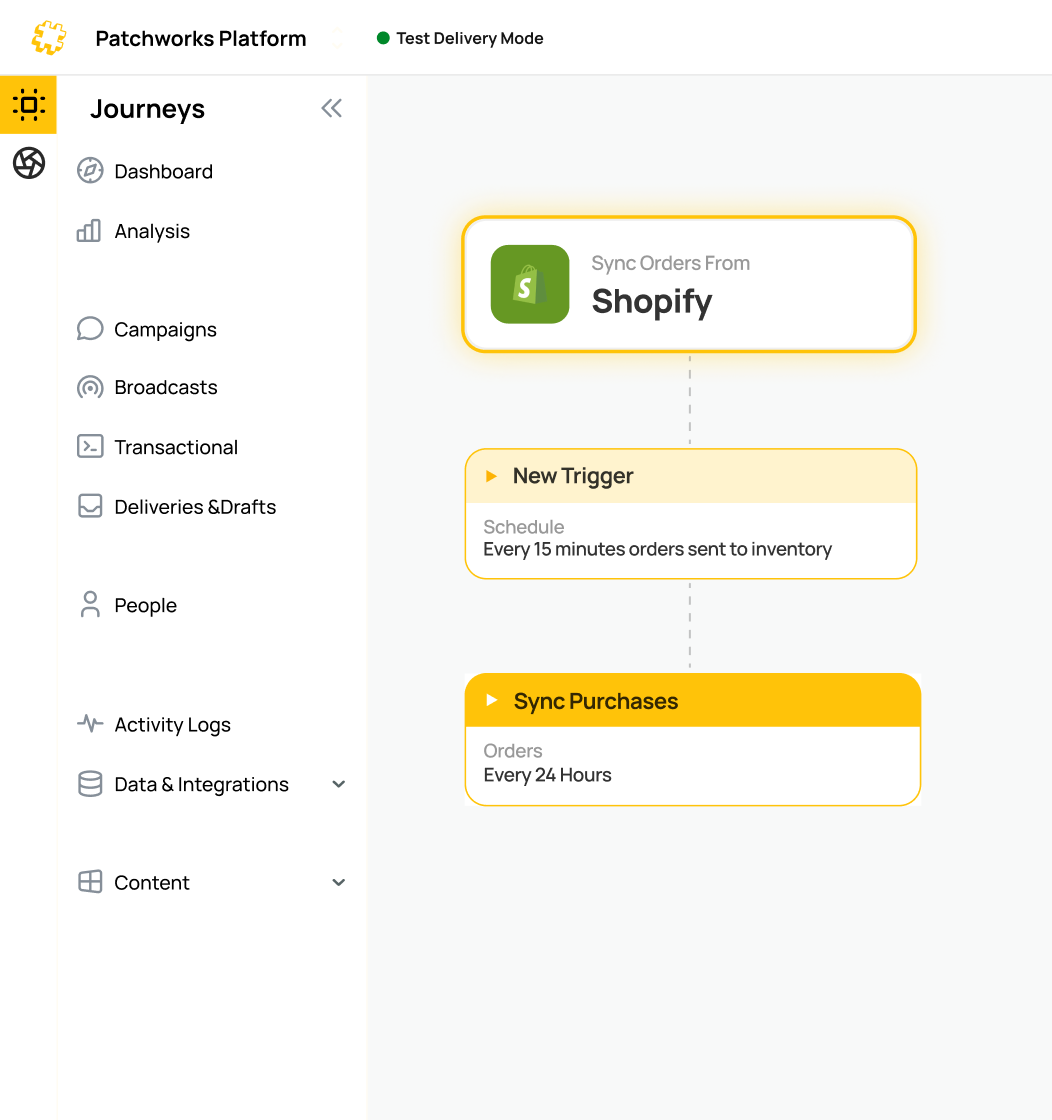
For example, every Shopify order lands in your ERP automatically, whether that’s NetSuite, Sage or Microsoft Dynamics 365 Business Central. Updated stock levels then flow back to the store and every marketplace.
What does integration platform as a service mean?
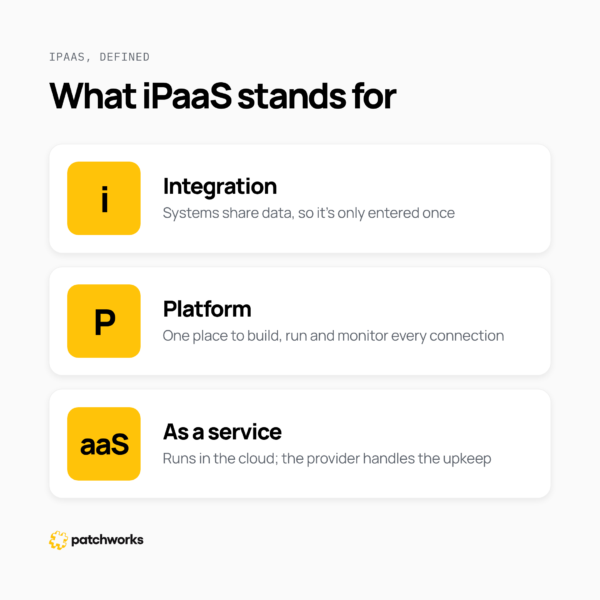
iPaaS stands for integration platform as a service, and each part of the name describes part of what you get.
- Integration: separate systems sharing data, so an order, a stock level or a customer record only has to be entered once.
- Platform: one place to build, run and monitor those connections, instead of a collection of separate apps and scripts.
- As a service: the platform runs in the cloud on a subscription, and the provider looks after the infrastructure and updates.
How does iPaaS work?
An iPaaS connects to each of your systems and reshapes data so the next system can use it. It then follows rules you set for where that data goes. Four parts do most of the work.
- Connectors: prebuilt links to individual systems, such as Shopify, NetSuite or Sage. They handle signing in and talking to each system’s API.
- Data mapping and transformation: making one system’s data fit another’s. SKUs, tax codes, date formats and field names rarely match out of the box.
- Process flows: the steps and rules. For example, “when an order is paid, create it in the ERP, but hold it if it contains a pre-order item.”
- Monitoring: logs, alerts and retries, so a failed sync is caught and fixed before a customer notices.
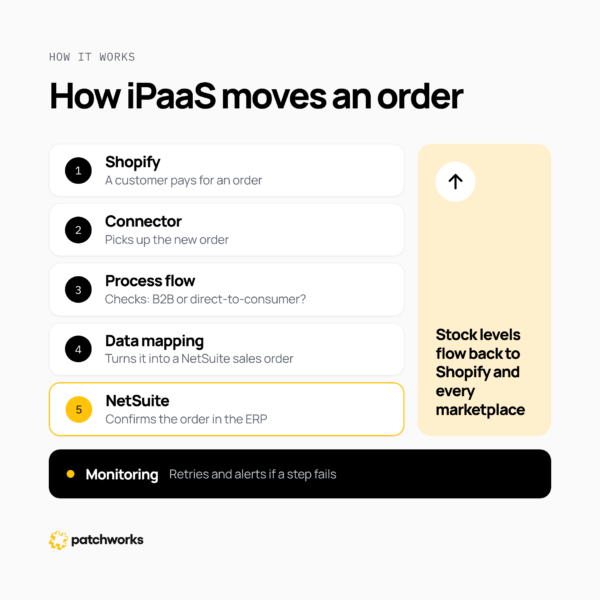
Here’s how those parts handle one order. A customer pays on Shopify, and the Shopify connector picks up the order. The process flow checks whether it’s a B2B or direct-to-consumer order, and the mapping turns it into a NetSuite sales order. NetSuite confirms it, and the new stock level flows back to Shopify and your marketplaces. If NetSuite can’t take the order, it’s retried, and the right person gets an alert.
Not every system has a modern API, so an iPaaS also needs other routes in. For retailers, that usually means EDI with trading partners, files exchanged over SFTP with 3PLs and suppliers, and connections to on-premise systems.
Many retailers are now adding AI to their tech stacks too. In NVIDIA’s 2026 survey of retail and consumer goods companies, 58% said they were actively deploying AI, up from 42% in 2024. AI tools are only as useful as the data they can reach, and an iPaaS gives them accurate orders, stock and customer data from every connected system. See how AI is changing iPaaS further down this guide.
For a step-by-step look at each component, read how iPaaS works.
How is iPaaS different from PaaS, SaaS, APIs and an ESB?
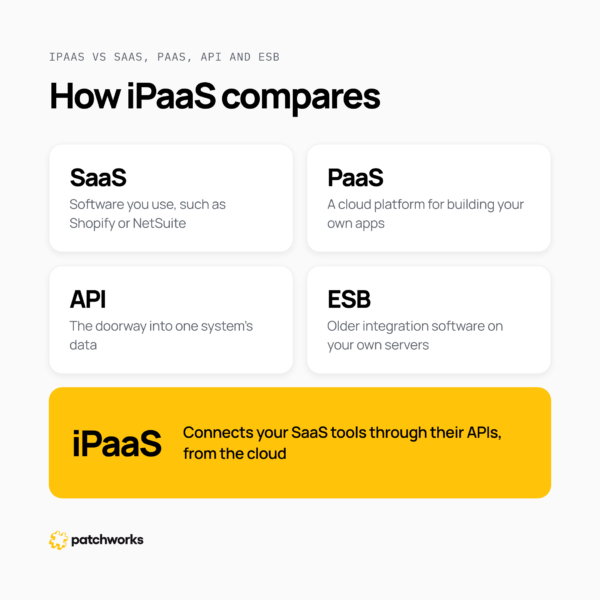
iPaaS connects systems. The other terms describe the systems themselves, the doorways into them, or older ways of connecting them.
| Term |
What it is
|
Example | |
|---|---|---|---|
| SaaS (software as a service) |
Software you use over the internet on a subscription
|
Shopify, NetSuite, Sage, Klaviyo
|
iPaaS connects your SaaS tools so they share data
|
| PaaS (platform as a service) |
A cloud platform for building and running your own applications
|
Heroku, Google App Engine
|
PaaS is for building apps; iPaaS is for connecting them
|
| API (application programming interface) |
The doorway one system offers so others can read or send its data
|
The Shopify Admin API
|
iPaaS uses APIs and manages many connections through them
|
| ESB (enterprise service bus) |
Older integration software, usually run on a company’s own servers by its IT team
|
In-house integration middleware
|
iPaaS does a similar job, delivered from the cloud and maintained by the provider
|
Middleware is the general name for software that sits between systems and passes data between them. iPaaS is a cloud-delivered form of middleware.
For a fuller breakdown, read iPaaS vs PaaS vs SaaS vs API.
What are the main types of iPaaS?
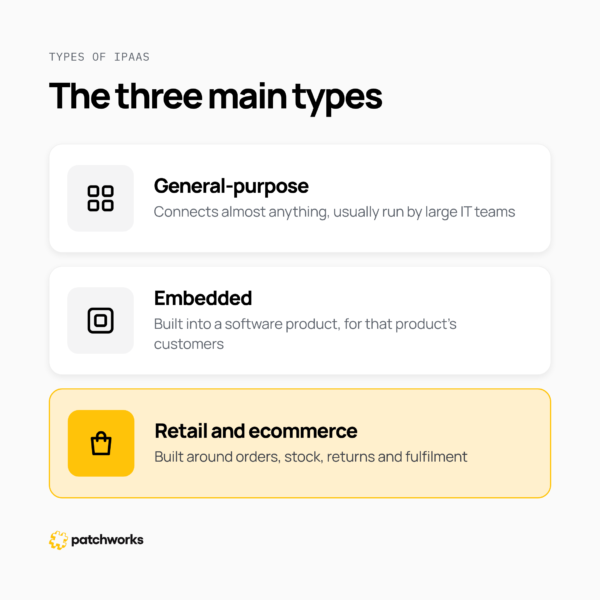
There are three main types of iPaaS, and the right one depends on who builds the integrations and what they connect.
- General-purpose iPaaS: built to connect almost anything, in any industry. It’s usually aimed at large IT teams with integration specialists.
- Embedded iPaaS: built into a software product, so that product’s customers can connect it to their own systems from inside the app. Read embedded iPaaS explained.
- Retail and ecommerce iPaaS: built around retail systems and data, such as orders, stock, returns and fulfilment. It comes with connectors and prebuilt flows for the systems retailers run. Read iPaaS for ecommerce.
Each type suits a different job. A general-purpose platform gives you a blank canvas. A retail-focused platform starts with common retail data flows already in place.
What are the benefits of iPaaS?
For retailers, the main benefits of iPaaS are fewer manual errors and integrations that keep working when order volumes peak.
- Fewer errors and less re-keying: orders, stock and invoices move automatically, so nobody types them twice. Castore cut pricing error rates from 30–35% to 1–2% by running pricing updates through Patchworks.
- Integrations that keep working at peak: Castore’s pricing updates to Shopify went from around five hours to two to three minutes. That held during peak trading.
- New channels live sooner: adding a marketplace or a 3PL means one new connection to a platform you already run.
- One accurate view of stock and orders: every channel works from the same stock figures, which cuts overselling.
- Changing systems without starting again: replacing your ERP or storefront means changing one connection while the others stay as they are.
- Visibility: one place to see every flow, every failure and the reason it failed.
For a closer look at each benefit, read the benefits of iPaaS.
What is iPaaS used for?
Retailers mostly use iPaaS to keep orders, stock, products, customer and finance data in sync across their systems. The most common uses are:
- Orders into the ERP: web and marketplace orders are created in the ERP automatically. Read what is ecommerce ERP integration?
- Stock across channels: available stock is published from the ERP or warehouse to every storefront and marketplace.
- 3PL fulfilment: orders go to the warehouse, and dispatch and tracking details come back.
- Marketplaces: products, prices and stock go out to marketplaces such as Amazon and eBay, and orders come back.
- Customer data: orders and sign-ups flow into a CRM or email platform such as HubSpot or Klaviyo.
- Finance: invoices, payments and refunds reach the accounting system, such as Sage.
- B2B and EDI: trade orders that arrive by EDI run on the same stack as direct-to-consumer orders.
For worked examples with real retailers, read iPaaS use cases and examples.
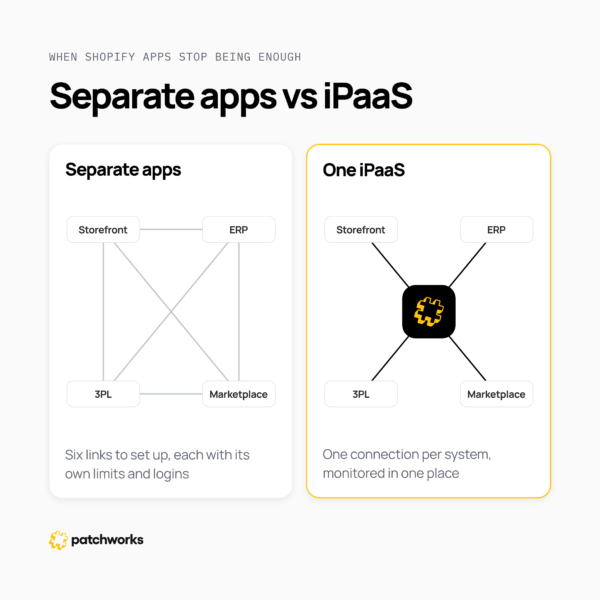
When do Shopify apps stop being enough?
Shopify apps and native connectors stop being enough when several systems need the same data, or when a failed sync starts costing you sales. Until then, they’re often the right choice, because each one is cheap and quick to set up.
These are the usual signs a retailer has outgrown them:
- Your storefront, ERP, 3PL and marketplaces all need the same orders and stock, and each pairing has its own app.
- Apps slow down, hit API limits or fail during peak trading.
- Nobody knows an order didn’t arrive until the customer gets in touch.
- Each new channel adds an app that someone has to set up and keep an eye on.
- Your developers spend more time fixing integrations than building anything new.
| Shopify apps and native connectors | iPaaS | |
| Cost | A low monthly fee for each app | One platform subscription covering every connection |
| Set-up | Quick for each app | More work at the start; each new connection is quicker after that |
| Peak trading | Each app has its own limits, which peak volumes often reach | Built to queue and retry work across every connection |
| Visibility | Spread across separate apps and logins | One place to monitor every flow |
| Flexibility | Limited to what each app supports | Custom rules and mappings where you need them |
| Changing a system | Replace every app that touches the old system | Change one connection and leave the rest |
For more on the warning signs, read why fast-growing D2C brands outgrow their ecommerce integrations.
How is AI changing iPaaS?
AI is changing how integrations are built and run today. For retailers, three changes matter most.
- Building integrations faster: you describe what you need in plain English, and AI drafts the process flow and data mappings. In Patchworks, AI Studio‘s Implementation Agent does this.
- Running integrations more safely: AI agents watch your flows, flag problems and explain why a flow failed. In Patchworks, this is the Health Monitor Agent.
- Connecting AI assistants to your integrations: the Patchworks MCP server lets assistants such as Claude, ChatGPT and Gemini work with Patchworks directly. Teams can triage issues, generate reports and run flows in natural language.
As more shopping happens through AI agents, accurate stock, prices and order data across your systems matters more. Read agentic commerce explained.
How do you choose an iPaaS provider?
Choose an iPaaS provider on how well it fits the systems you run and the volumes you trade at. These are the questions worth asking each one.
- Connectors: does it have prebuilt connectors for the systems you run today and the ones you plan to add?
- Other connection methods: can it handle EDI, SFTP files and on-premise systems as well as modern APIs?
- Retail experience: has it been proven at peak, across several channels, with returns and multiple currencies?
- Speed to value: are there prebuilt integration pairs for common combinations such as Shopify and NetSuite or Shopify and Sage Accounting, or does every flow start from scratch?
- Monitoring and support: will you see a failure before your customers do, and who helps when something breaks?
- Pricing as you grow: how does the cost change as order volumes, systems and channels increase?
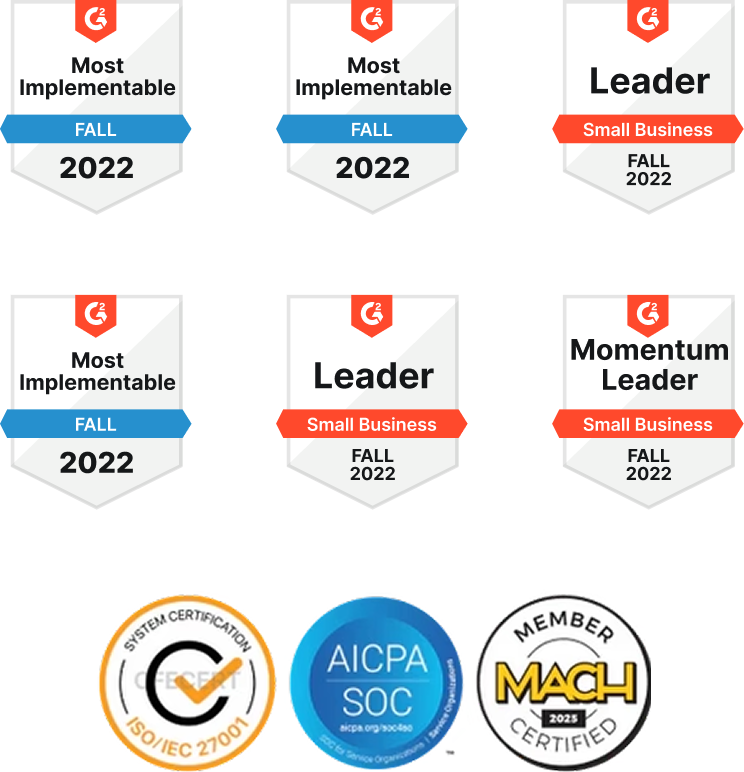
- Security: which certifications does the provider hold, and can you see the evidence?
- AI: can AI help build and monitor flows, and can your own AI tools connect to the platform?
- References: can the provider point to retailers like you, with results you can check?
Where does Patchworks fit?
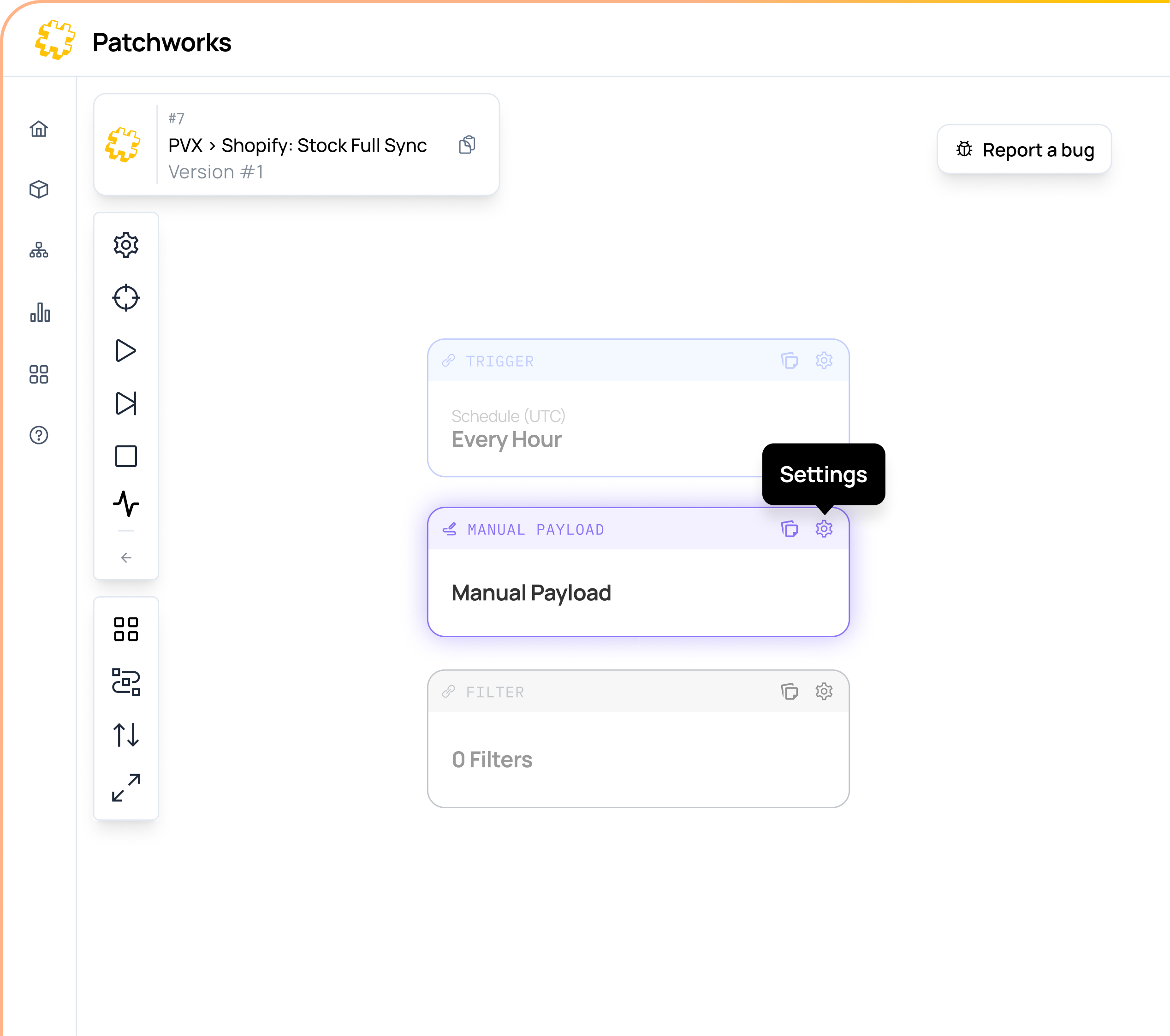
Patchworks is the retail-first, AI-native orchestration layer for retail tech stacks. It’s an iPaaS built around the data retailers run on: orders, stock, products, customers and fulfilment.
Patchworks is used by 2,000+ brands and is Shopify’s only Certified Technology Partner for integrations. Prebuilt connectors and integration pairs, a low-code flow builder and AI Studio agents help integrations go live sooner. Monitoring catches problems before customers notice.