
Ecommerce
Magento
Take your ecommerce operation to the next level with the Magento platform.
Patchworks connects Microsoft Dynamics 365 Business Central to the ecommerce platforms, marketplaces, warehouses and 3PLs that retail brands run on. Orders, stock, fulfilments, products and customer data move automatically between Business Central and every channel, on an integration platform (iPaaS) trusted by 1,700+ brands.
Use prebuilt connectors, or build exactly what you need with AI Studio.

| Item |
|
|---|---|
| Connector |
Prebuilt Business Central connector
|
| Business Central API |
Business Central API v2.0
|
| Authentication |
OAuth 2.0 client credentials through a Microsoft Entra ID app registration
|
| Deployment |
Business Central online (SaaS)
|
| Connects Business Central to |
Any system with an API or MCP server, through a prebuilt connector or one built in minutes with AI Studio
|
| Triggers |
Scheduled, webhook, callback and event-driven process flows
|
| Environments |
Connect sandbox and production environments separately, and test in staging before deploying to production
|
| Throughput |
Flow-level concurrency controls to stay within Business Central API limits at peak
|
| Security |
SOC 2 and ISO 27001
|
| Pricing |
Based on connected systems and monthly operations, with unlimited users
|

Our Dynamics 365 ecommerce integration creates storefront orders in Business Central as sales orders, then sends stock, prices and shipment updates back out. Connect Adobe Commerce (Magento), Shopify, BigCommerce or WooCommerce, and run multiple storefronts or brands from a single Business Central company.
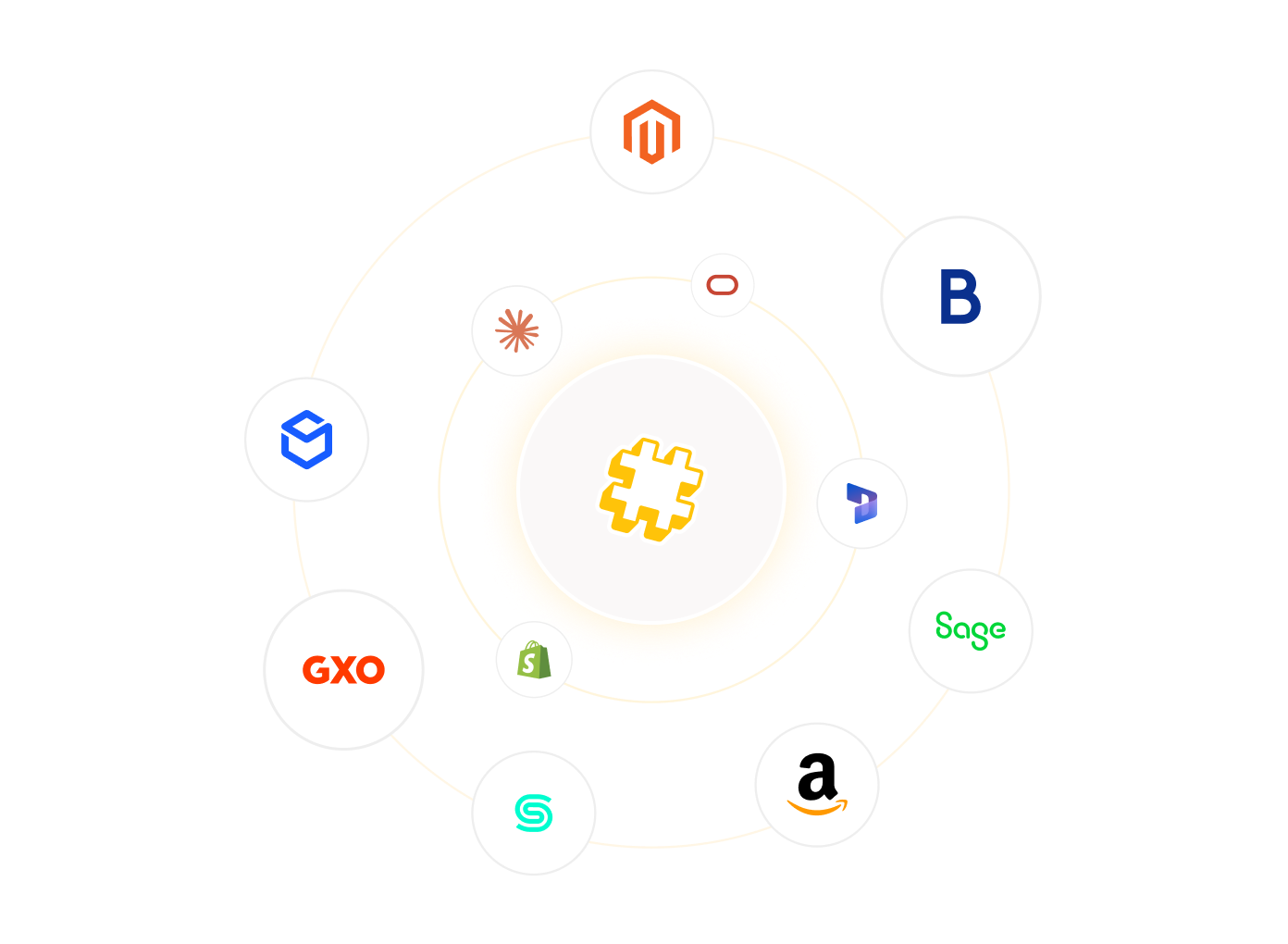
Make Business Central the single source of stock for every channel. Connect Amazon, eBay and TikTok Shop, retailer dropship networks such as Rithum (Dsco and OrderStream) and Virtualstock, and, where the marketplace offers API access, Temu, Shein, Back Market, Refurbed and Faire. Marketplace and dropship orders arrive alongside your direct orders, and available stock is published back to each channel.
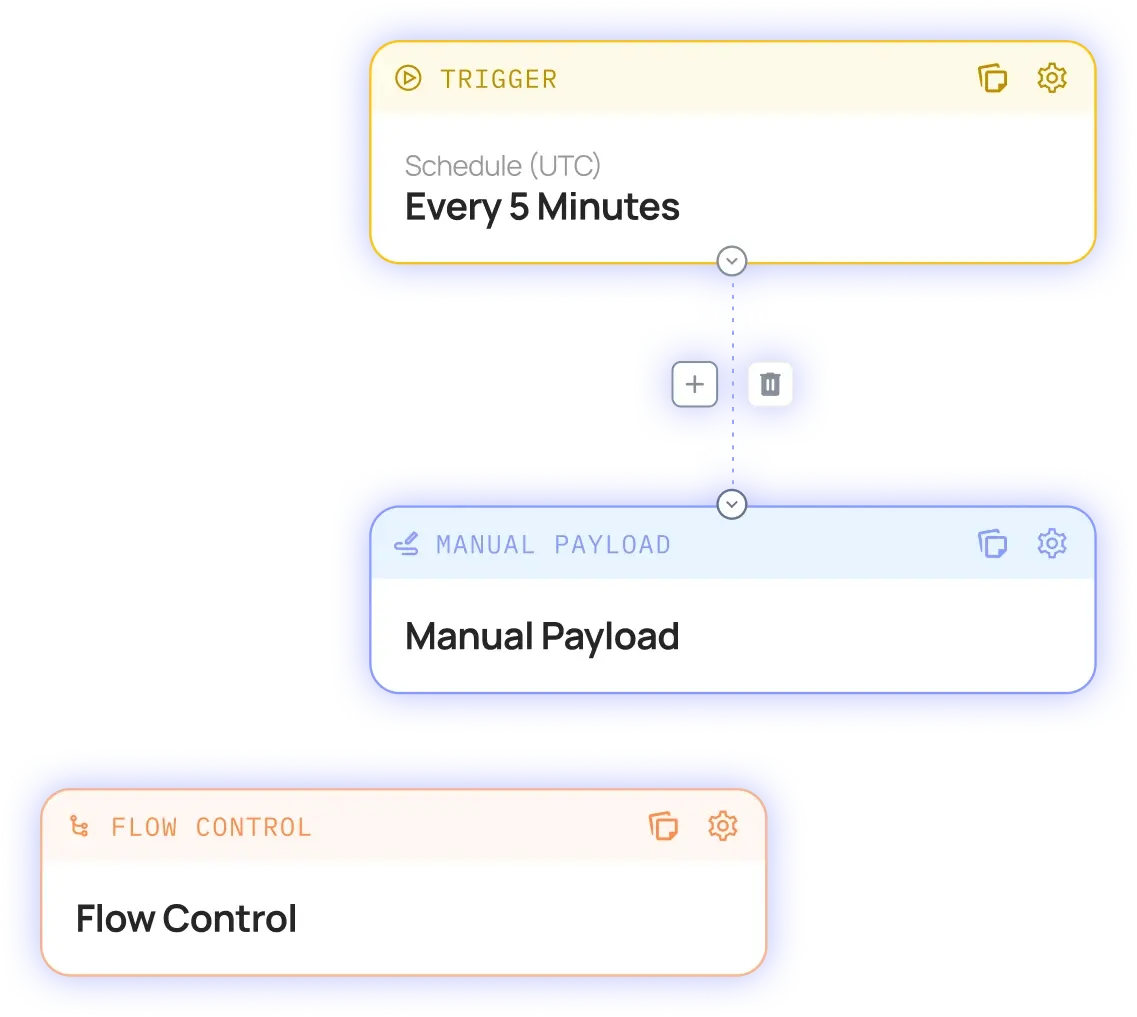
Connect Business Central to your WMS or 3PL, including Descartes Peoplevox, GXO, Huboo and ShipBob. Orders go out to the warehouse as they land, and shipments and tracking numbers come straight back into Business Central. Because the warehouse connection is separate from your ERP, you can change 3PL without touching Business Central.
EDI
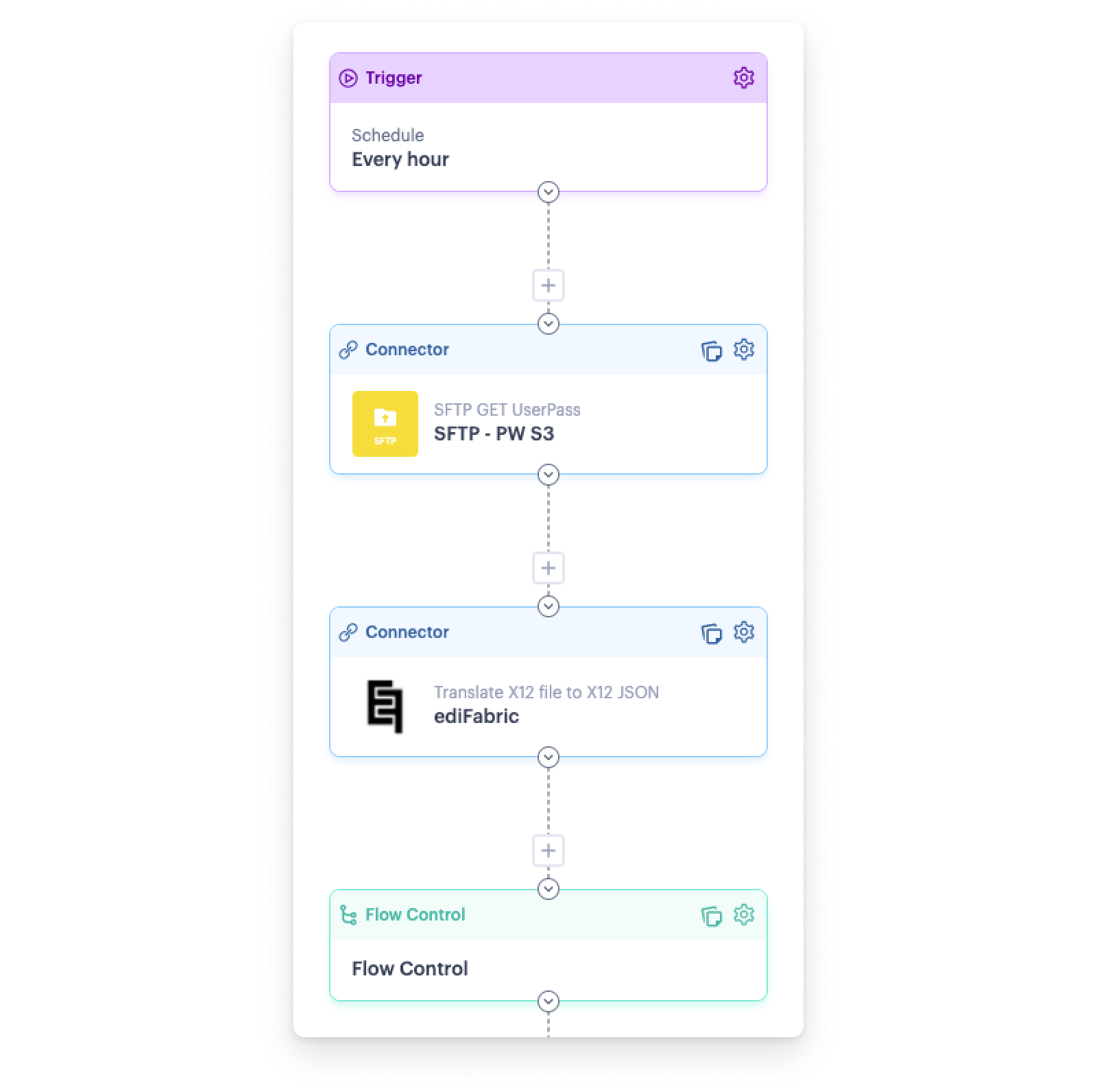
Wholesale and B2B orders can flow into Business Central alongside DTC. Patchworks translates EDI documents from your trading partners into orders Business Central understands, and turns Business Central data back into EDI for your partners, so wholesale runs on the same stack as your storefront.
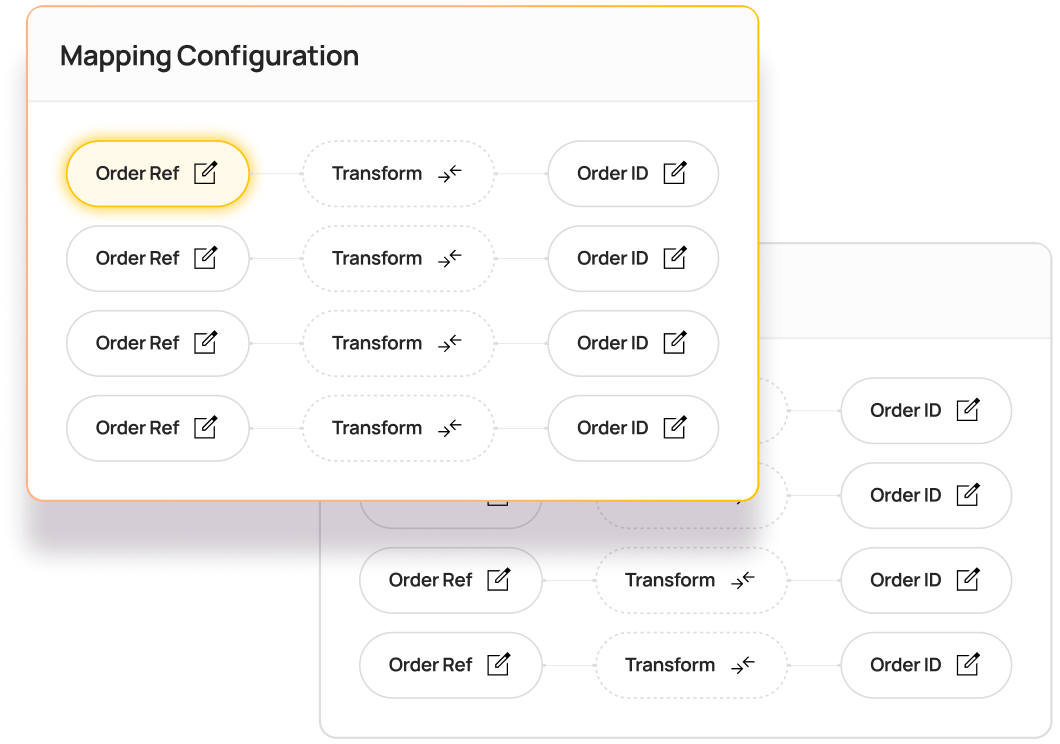
Connect Business Central to HubSpot or Salesforce so sales, service and finance teams work from the same customer and order history. Customer records, orders and account data sync between CRM and ERP, removing duplicate data entry and the reconciliation that comes with it.
Our Dynamics 365 ecommerce integration creates storefront orders in Business Central as sales orders, then sends stock, prices and shipment updates back out. Connect Adobe Commerce (Magento), Shopify, BigCommerce or WooCommerce, and run multiple storefronts or brands from a single Business Central company.
Make Business Central the single source of stock for every channel. Connect Amazon, eBay and TikTok Shop, retailer dropship networks such as Rithum (Dsco and OrderStream) and Virtualstock, and, where the marketplace offers API access, Temu, Shein, Back Market, Refurbed and Faire. Marketplace and dropship orders arrive alongside your direct orders, and available stock is published back to each channel.
Connect Business Central to your WMS or 3PL, including Descartes Peoplevox, GXO, Huboo and ShipBob. Orders go out to the warehouse as they land, and shipments and tracking numbers come straight back into Business Central. Because the warehouse connection is separate from your ERP, you can change 3PL without touching Business Central.
EDI
Wholesale and B2B orders can flow into Business Central alongside DTC. Patchworks translates EDI documents from your trading partners into orders Business Central understands, and turns Business Central data back into EDI for your partners, so wholesale runs on the same stack as your storefront.
If a system has an API or an MCP server, Patchworks can connect it to Business Central. Describe the integration in a prompt, or upload an API specification or JSON file, and AI Studio’s Implementation Agent builds the connector, process flows and field mappings for you, typically giving you a working model in minutes.

| Item |
Details
|
|---|---|
| Orders |
Paid and pending orders are created or updated in Business Central as sales orders. When Business Central records the payment, the order is marked as paid in the storefront.
|
| Inventory and stock |
When stock quantities change in Business Central, the new levels are pushed to each channel. Locations sync in both directions, so every channel sells from the same numbers.
|
| Shipments and tracking |
Posted sales shipments go from Business Central to the storefront with tracking numbers. When a 3PL or the storefront fulfils an order, the shipment is recorded in Business Central, including partial shipments.
|
| Returns and refunds |
Refunds are matched to the original order line by line, then created in Business Central as a sales return order followed by a credit memo. Finance and customer service see the same record.
|
| Products, catalogues and pricing |
Items are created and updated, catalogues and pricing are published from Business Central, and price lists stay aligned across systems.
|
| B2B customers |
Companies, contacts, addresses and payment terms stay in step between Business Central and your B2B storefront, so wholesale customers see the right terms every time they order.
|
Most Business Central integrations work on launch day. The test comes when order volumes spike, a 3PL changes, or a flow fails at 2am during Black Friday.
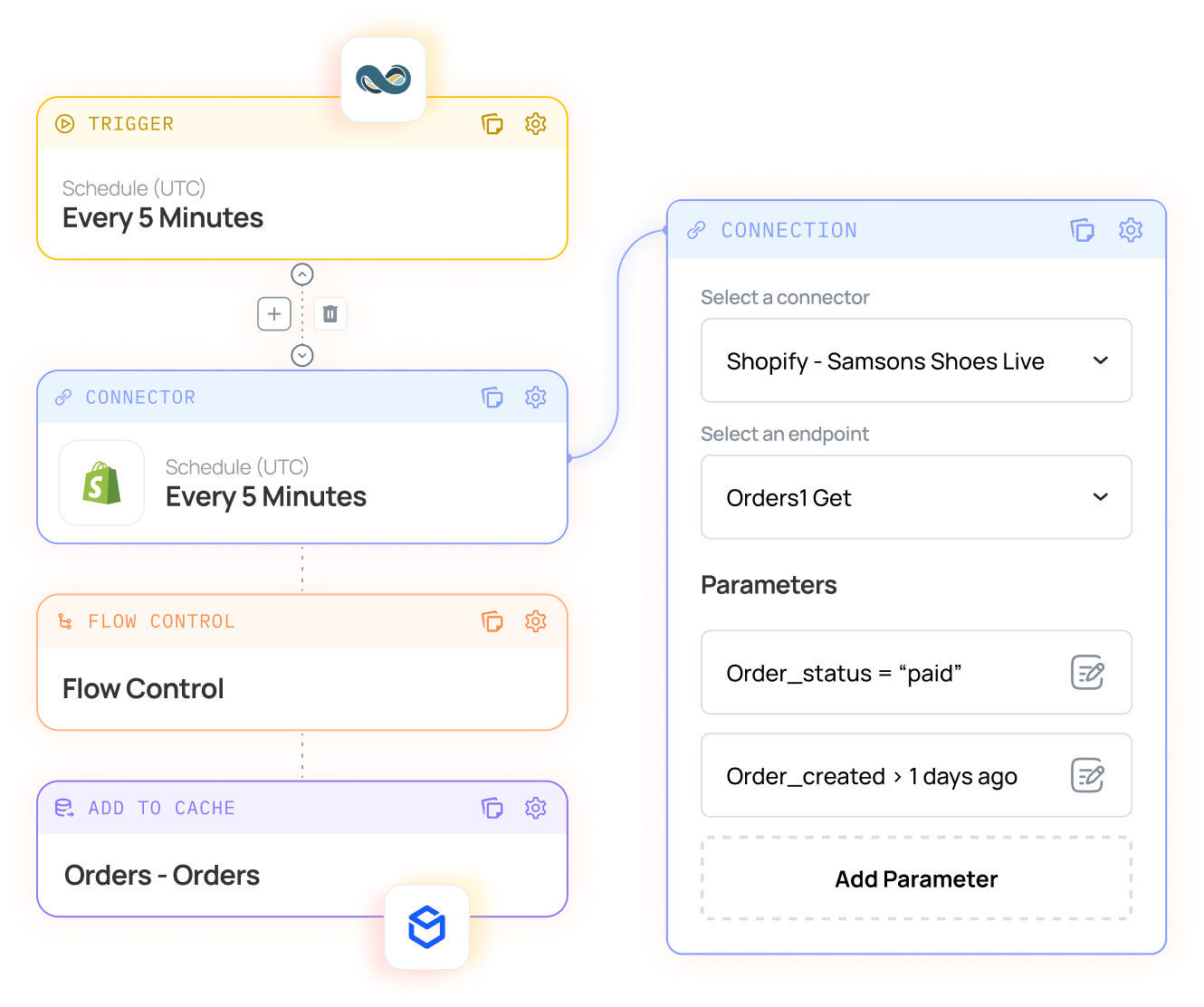
Reduction in Error Rates

“What surprised me was just how effortless it was. Once the data was prepared properly, Patchworks moved it into Shopify incredibly fast.”
Andy Richley
Head of Tech, Castore
Total Managed Flows

“Patchworks offers a great portfolio of integrations and are working towards many more.”
Paula Abisolo
Omni-Channel Delivery Lead, Mint Velvet
Business Central integration connects Microsoft Dynamics 365 Business Central, Microsoft’s cloud ERP for small and mid-sized businesses, to the other systems a business runs on, so data moves between them automatically. For retailers, that usually means syncing orders, stock, shipments, products and customer data between Business Central and ecommerce platforms, marketplaces, warehouses and CRMs. It’s one part of wider ERP integration.
Yes. Business Central online exposes REST APIs (the current version is API v2.0), plus OData and SOAP web services for published pages, queries and codeunits. The Patchworks Business Central connector is built on API v2.0. See our Business Central connector documentation.
With OAuth 2.0 client credentials, through an app registration in Microsoft Entra ID (formerly Azure Active Directory). You provide your tenant ID, your Business Central environment name, and the client ID and secret generated for Patchworks, and the connector requests access tokens automatically. It’s a service-to-service flow, so integrations don’t depend on any individual user’s login.
Microsoft limits API traffic to protect the performance of Business Central online. It documents a maximum of 600 requests a minute for production environments, 300 for sandboxes and 100 simultaneous requests. Patchworks keeps integrations within those limits with flow-level concurrency controls, queued runs and retries, so busy trading periods slow down gracefully rather than fail. Planning for peak? Read our peak season readiness guide.
For many single-store brands, yes. Microsoft builds the Shopify Connector into Business Central online at no extra licence cost, and it covers core product, order and inventory sync. Brands typically add an iPaaS such as Patchworks when they also sell through Magento, BigCommerce or marketplaces, need to orchestrate 3PL fulfilment, or run B2B pricing the native sync doesn’t cover, because the connector is Shopify-only and online-only. See how Patchworks compares: compare iPaaS platforms.
DO use Microsoft’s Shopify Connector for a single Shopify store running on Business Central online
DON’T rely on it alone when Business Central also needs to serve Magento, marketplaces, 3PLs or complex B2B pricing.
The most maintainable route is through an integration platform rather than custom code. With Patchworks, Adobe Commerce (Magento) or BigCommerce orders are created in Business Central as sales orders, and stock, prices and shipment updates flow back to the storefront. Flows are configured on a visual canvas and tested in staging before go-live, and several storefronts can connect to one Business Central company. See our BigCommerce integration.
Yes. Patchworks connects Business Central to Amazon, eBay and TikTok Shop through prebuilt connectors, and to retailer dropship networks including Rithum (Dsco and OrderStream) and Virtualstock. Marketplaces such as Temu, Shein, Back Market, Refurbed and Faire can be connected through Connector Builder or AI Studio where the marketplace provides API access. Orders arrive in Business Central alongside your direct orders, and stock is published from Business Central. See marketplace integrations.
Connect them through an iPaaS so orders, fulfilment instructions and tracking move automatically. Patchworks sends orders from Business Central or your storefront to the WMS or 3PL, then brings shipment confirmations and tracking numbers back into Business Central. Because the 3PL side is a separate connection, you can change provider without rebuilding your ERP integration. See 3PL and fulfilment orchestration and our GXO integration.
Yes. Patchworks connects Business Central to HubSpot and Salesforce, syncing customer records, orders and account data so sales, service and finance teams see the same customer history. It removes duplicate data entry between CRM and ERP, and the reconciliation work that goes with it. See CRM integrations.
Most will need rebuilding. Integrations built on Dynamics NAV often rely on customisations or direct database access, and Business Central online expects integrations to go through its APIs instead. Patchworks rebuilds those connections as managed process flows against Business Central’s APIs, and AI Studio’s Migration Agent can rebuild integrations from other integration platforms, so the move doesn’t mean starting from scratch.
It depends on how many systems you connect and how much data moves between them. Patchworks pricing is based on the number of connectors and monthly operations. An operation is counted each time Patchworks sends or receives a data payload. Every plan includes unlimited users. See pricing.
Most teams connect their first systems and deploy initial flows within days, and more complex estates typically go live in weeks rather than months. You can implement in-house with support from Patchworks’ senior engineers, or work with one of our approved agency partners.
Yes, as long as it has an API or an MCP server. In AI Studio, describe the integration in a prompt or upload an API specification or JSON file, and the Implementation Agent builds the connector, process flows and field mappings, typically giving you a working model in minutes. You can also build connectors without code in Connector Builder.
BOOK DEMO
To ensure you get the best from your personalised demo, we need to gather some information. This helps us match you with an expert who understands your needs.
Partner application
To make the most of your partnership application with Patchworks, we need to collect some details. This allows us to connect you with a representative who can address your specific requirements.

“You should have partnered with Patchworks yesterday. It saves time, cuts costs, and most importantly keeps your customers happy.”
Gentian Shero
Co-Founder & Chief Strategy Officer, Shero Commerce
“You should have partnered with Patchworks yesterday. It saves time, cuts costs, and most importantly keeps your customers happy.”
Gentian Shero
Co-Founder & Chief Strategy Officer, Shero Commerce
Partner match making
Tell us a little about yourself and your company, and we’ll find the perfect expert to help.
Partner match making
Event Title
Complete the form below to reserve your place and be the first to receive event updates & details.
Download resource
Tell us a little about yourself to download this quality resource.