


















Trending
Accounting
Sage
Connect Sage 200, Sage X3 and Sage Accounting to Shopify, WooCommerce, Magento and your 3PL. Automate orders, stock, invoices and customer data.
Patchworks’ prebuilt Shopify & Sage Accounting accelerator posts every Shopify order to Sage Accounting (formerly Sage Business Cloud Accounting) as a sales invoice, with the customer, VAT rate, currency, payment and any refund attached. It was co-built with our partner Jellywall, so you configure it to your ledger instead of building an integration from scratch.
Part of our Shopify integration and Sage integration range, on the integration platform (iPaaS) trusted by 1,700+ brands.



Supporting complex retail operations across fast-growing brands












| Item |
|
|---|---|
| What it is |
A prebuilt Patchworks accelerator, installed as a blueprint, that connects Shopify to Sage Accounting (formerly Sage Business Cloud Accounting, and originally Sage One)
|
| Co-built with |
Jellywall, a Patchworks certified agency partner
|
| Sage product |
Sage Accounting (cloud). For Sage 50, Sage 200 or Sage X3, see Sage integration
|
| Shopify plans |
Shopify and Shopify Plus, including multiple stores
|
| How sales are posted |
One sales invoice per Shopify order, not a daily summary
|
| Flows included |
Orders to invoices, customers, payments and payouts, multi-currency, VAT mapping, and refunds to credit notes
|
| Currencies |
GBP and EUR as standard, where multi-currency is enabled in Sage Accounting. Further currencies are configurable
|
| Authentication |
OAuth 2.0 for Sage Accounting. App install or Admin API access token for Shopify
|
| Triggers |
Scheduled, webhook and event-driven process flows
|
| Peak handling |
Auto-scaling infrastructure, plus queuing and automatic retries when either API hits a rate limit
|
| Extend and manage with AI |
AI Studio builds or changes flows from a prompt, AI Agents monitor and explain failed runs, and the MCP Server connects AI tools to your Shopify and Sage data
|
| Security / pricing |
SOC 2 and ISO 27001 / connected systems plus monthly operations, with unlimited users
|

Each Shopify order becomes a sales invoice in Sage Accounting, so finance can trace any sale from order number to invoice to payment without rebuilding orders from payout reports.
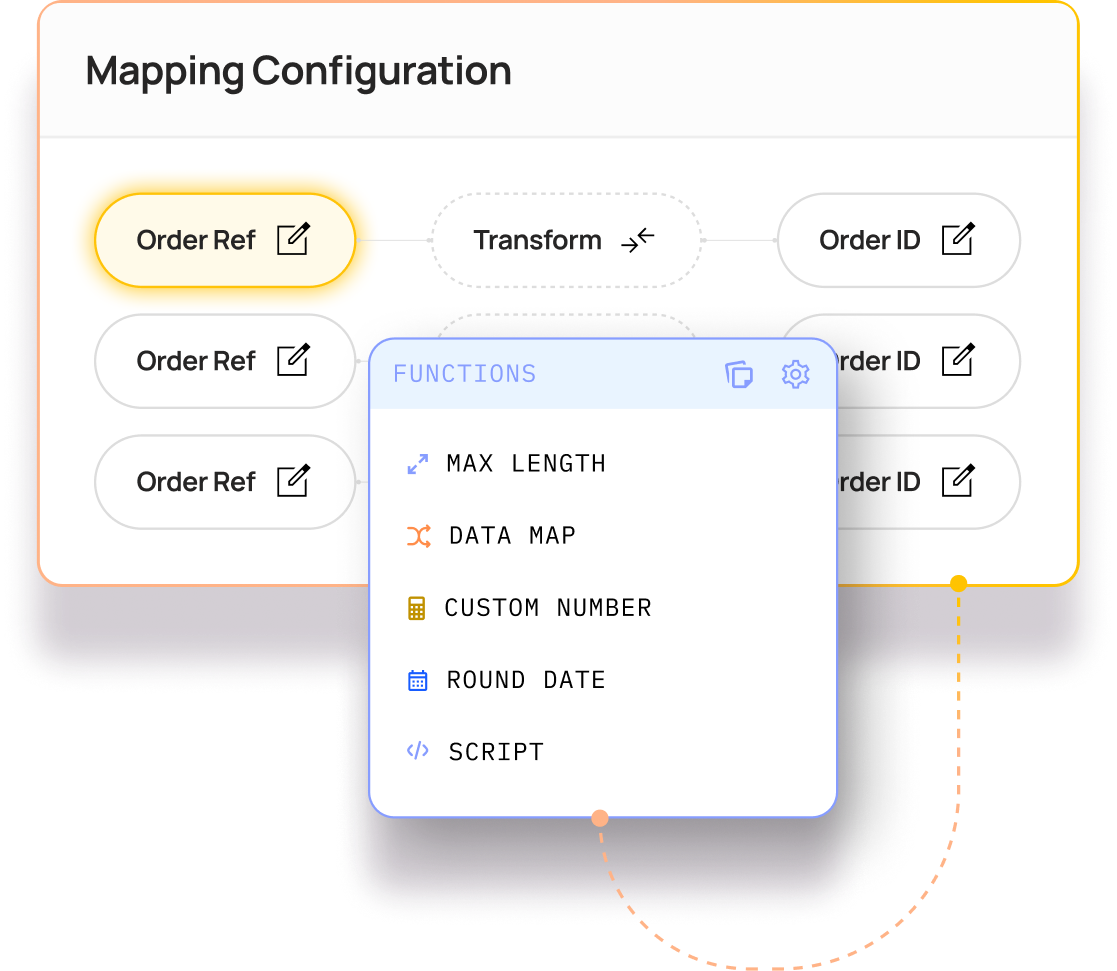
Shopify tax lines are mapped to your Sage tax rates on every invoice line. GBP and EUR orders are invoiced in their own currency and balanced in your base currency.

Run several Shopify stores or markets into one Sage Accounting business, with each store mapped to its own ledger and bank accounts if you need them reported separately.
| Flow |
Direction
|
What happens in Sage Accounting |
|---|---|---|
| Orders → sales invoices |
Shopify → Sage
|
—
Each paid order creates a sales invoice with its line items, shipping, discounts and VAT
|
| Customers → contacts |
Two-way matching
|
—
Customers are matched to existing Sage contacts, and a new contact is created only when there’s no match, so duplicate accounts aren’t created
|
| Payments and payouts |
Shopify → Sage
|
—
Each payment is recorded against its invoice. Shopify Payments payouts and fees are reconciled to the right bank and ledger accounts
|
| Multi-currency |
Shopify → Sage
|
—
Invoices are raised in the order currency, such as GBP or EUR, with the exchange rate recorded and the totals balanced in your base currency
|
| VAT and tax rates |
Mapping
|
—
Shopify tax lines are mapped to Sage tax rates, including standard, reduced, zero-rated and exempt
|
| Refunds and cancellations → credit notes |
Shopify → Sage
|
—
A credit note is raised and allocated against the original invoice, including partial refunds
|
| Products and services (configurable) |
Mapping
|
—
Line items are matched to Sage products or services, or posted to a ledger account if you don’t track products in Sage
|

Install the Patchworks app in your Shopify store and authorise Sage Accounting through OAuth. There are no API keys to copy or rotate.
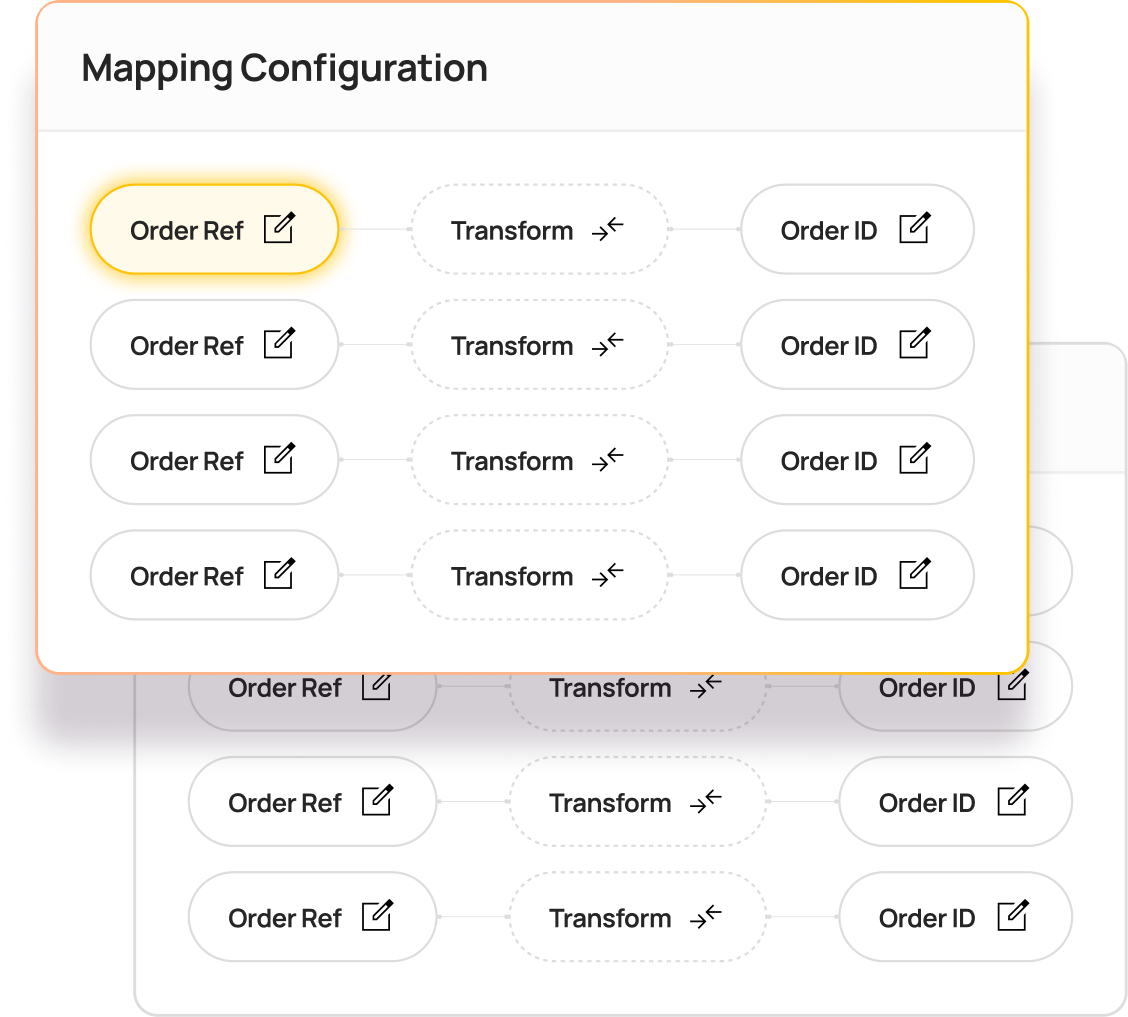
Match your VAT rates, ledger and bank accounts, currencies and stores to Sage. The accelerator ships with defaults for a standard UK setup. Need a rule it doesn’t cover? Describe it in AI Studio, and the Implementation Agent builds the flow and its mappings for you.
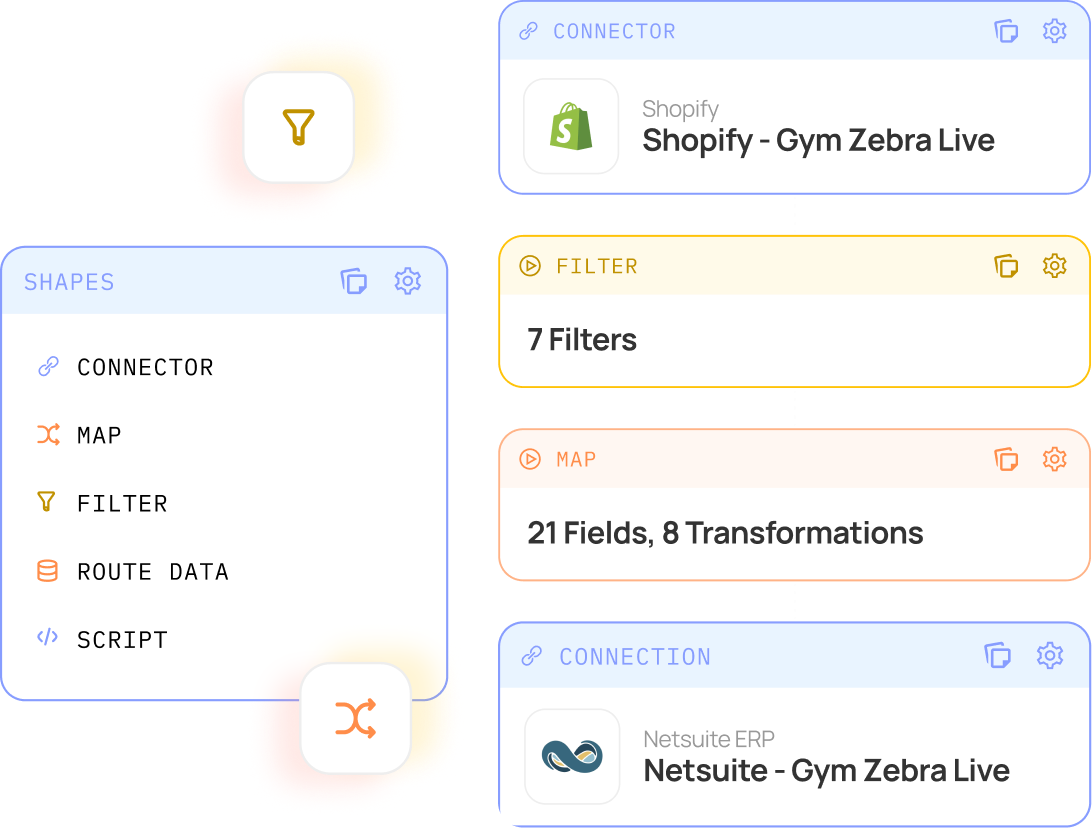
Run real orders through a staging environment and check the invoices, credit notes and payments in Sage before anything reaches your live books.
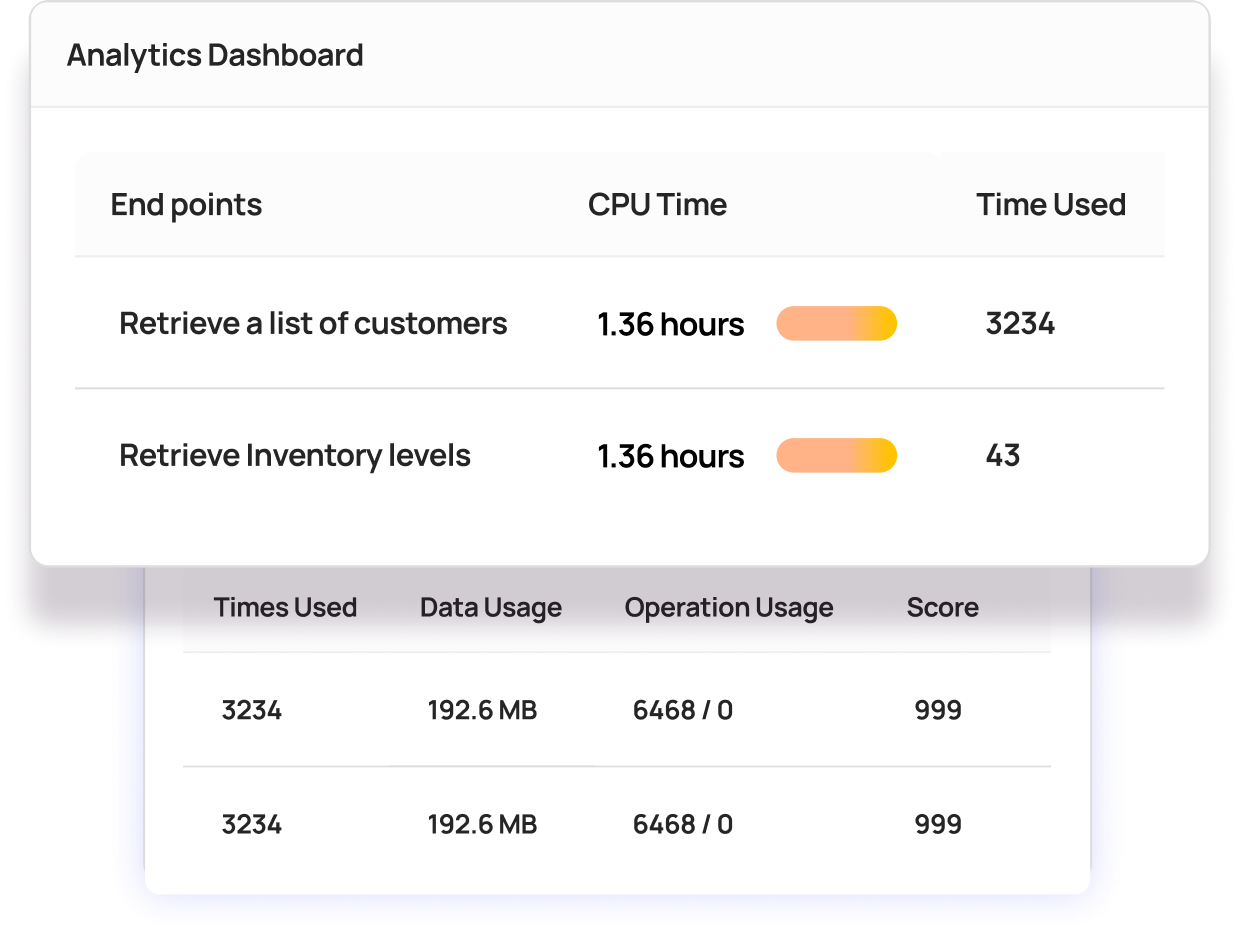
Flows run on a schedule or as orders happen. Run logs, retries and email alerts flag anything that needs attention, and AI Agents explain in plain English why a run failed.
Running Sage 50 on the desktop, Sage 300 on-premises or a Sage product we don’t have a prebuilt connector for? Describe the integration in a prompt, or upload an API specification or JSON file, and AI Studio’s Implementation Agent builds the connector, process flows and field mappings for you, typically giving you a working model in minutes.

| Object |
Daily Summary
|
Shopify & Sage Accounting accelerator |
|---|---|---|
| What lands in Sage |
One summary entry per day or payout
|
—
One sales invoice per Shopify order
|
| Customers |
Usually one generic "Shopify sales" customer
|
—
Each customer matched or created as a Sage contact
|
| VAT |
Totals by rate
|
—
The VAT rate on every invoice line
|
| Refunds |
Netted off in a later summary
|
—
A credit note against the original invoice
|
| Currencies |
Often converted before posting
|
—
Invoiced in the order currency, balanced to base
|
| Several stores |
Often a separate setup per store
|
—
One integration layer, mapped per store
|
| Ledger volume |
Low
|
—
Higher, at one invoice per order
|
| Best for |
One store, consumer sales, one currency, totals only
|
—
Multiple stores or currencies, B2B accounts, and an order-level audit trail
|
One product, three names. Sage Accounting is Sage’s cloud accounting software for small and growing businesses. It began as Sage One, became Sage Business Cloud Accounting, and is now simply Sage Accounting. If an app listing or older guide uses a previous name, it means the same product.
Cloud to cloud, nothing to install. Shopify and Sage Accounting are both cloud platforms, so there’s no server, desktop connector or on-premises agent involved. You authorise Sage Accounting once, and Patchworks manages the connection from then on. Sage 50 and Sage 200 connect differently, which is why they have their own integrations.
The records Sage Accounting already uses. The accelerator works with sales invoices, contacts, contact payments, credit notes, tax rates, bank accounts and ledger accounts, so Shopify activity appears in Sage the way your accountant expects to see it.
VAT returns that reflect Shopify. Every sale arrives with its VAT rate, so Sage Accounting’s own VAT return, including Making Tax Digital submissions, reflects your Shopify sales without re-keying. For Irish brands, EUR invoices and Irish VAT rates are mapped in the same way.
A Shopify and Sage integration isn’t tested on launch day. It’s tested on Black Friday, at a VAT change, or by a flash sale that multiplies order volumes overnight.

Reduction in Error Rates

“What surprised me was just how effortless it was. Once the data was prepared properly, Patchworks moved it into Shopify incredibly fast.”
Andy Richley
Head of Tech, Castore
Total Managed Flows

“Patchworks offers a great portfolio of integrations and are working towards many more.”
Paula Abisolo
Omni-Channel Delivery Lead, Mint Velvet
It’s a prebuilt Patchworks accelerator that connects Shopify to Sage Accounting and posts each Shopify order as a sales invoice, with the customer, VAT, currency, payment and refund details attached. It was co-built with our agency partner Jellywall and runs on the Patchworks integration platform, so you configure it to your ledger instead of building an integration from scratch.
Yes. Sage Accounting is the current name for the product previously called Sage Business Cloud Accounting, and before that Sage One. Some app listings and older guides still use the earlier names. If you run Sage’s cloud accounting software in your browser, rather than Sage 50 on a desktop, this accelerator is built for you.
No. Sage 50 and Sage 200 are separate products with their own APIs, so they connect to Shopify differently. Patchworks connects both, along with Sage X3, Sage 300 and Sage Intacct. Visit our Sage integration page to find the right route for the Sage you run.
It depends on how you sell. Many Sage Accounting apps for Shopify post one summary entry per day or per payout, which keeps your ledger small and suits a single store selling to consumers in one currency. Post individual invoices when finance needs to see each order, customer, VAT rate and currency in Sage, when refunds must be matched to the original sale, or when several stores or B2B accounts feed the same Sage business. This accelerator posts one invoice per order.
DO use a daily summary if you sell from one store, in one currency, and only need sales totals in Sage.
DON’T rely on one when finance needs every order, customer, VAT rate and refund traceable in Sage Accounting.
Each Shopify tax line is mapped to the matching tax rate in Sage Accounting, including standard, reduced, zero-rated and exempt sales, so every invoice line carries the right VAT. Because the VAT detail sits on each invoice, Sage Accounting’s own VAT return, including Making Tax Digital submissions, reflects your Shopify sales without re-keying. If rates change, you update the mapping, not the integration.
Yes. GBP and EUR orders are invoiced in Sage Accounting in their original currency, with the exchange rate recorded and the totals balanced in your base currency. This uses Sage Accounting’s multi-currency feature, so it needs to be enabled in your Sage subscription. Further currencies are added the same way, which suits brands selling into Ireland and the EU through Shopify Markets.
Each order’s payment is recorded against its invoice in Sage Accounting. Shopify Payments fees are posted to the ledger account you choose, and payouts are matched to the bank account they land in. Finance can then reconcile the bank feed against individual invoices instead of unpicking a lump-sum deposit.
Patchworks raises a credit note in Sage Accounting and allocates it against the original invoice, so the customer’s account and your VAT position stay correct. A partial refund creates a credit note for the refunded lines or amount only, and refunded shipping is handled in the same way.
Yes. Several Shopify stores, expansion stores or markets can post to the same Sage Accounting business, each mapped to its own ledger accounts, bank accounts and currencies if you want them reported separately. They all run through one integration layer, so adding a store is a configuration change, not a new project. See our Shopify integration.
Because the core flows are prebuilt, a standard setup can be live within days once both systems are connected and the mappings have been tested in staging. You can implement it in-house with support from Patchworks’ engineers, with Jellywall, who co-built the accelerator, or with one of our other trusted agency partners.
They’re queued, not dropped. If Shopify or Sage Accounting hits an API rate limit during a spike, Patchworks holds the data and retries it once the limit clears, and the platform auto-scales as volumes rise. Every run is logged, and failures trigger alerts so they can be retried. Our peak resilience checklist covers what else to prepare.
Yes. Every flow can be changed on the visual canvas, whether that’s adding a field, changing a mapping or adding a rule. You can also connect a 3PL, marketplace or CRM to the same integration layer, using a prebuilt connector or one you build in Connector Builder. AI Studio can make many of these changes from a prompt, as the next answer explains.
Patchworks pricing is based on the number of connected systems and monthly operations, not seats. An operation is counted each time Patchworks sends or receives a data payload, and every plan includes unlimited users. See pricing.
Yes, in three ways. In AI Studio, describe a change in plain English, such as “post orders from our EU store to the EUR bank account”, and the Implementation Agent builds the flow. AI Agents such as the Health Monitor Agent explain failed runs, and the Documentation Agent keeps your integration documented. The MCP Server connects AI tools and agents to your Shopify and Sage data and process flows.


Paired Accelerator
Paired Accelerator
The Shopify & Brightpearl Accelerator is a pre-built integration package that seamlessly synchronises key commerce and operational data between your Shopify ecommerce CMS and Brightpearl by Sage ERP. Built natively on Patchworks’ API-first iPaaS platform, this enterprise-grade accelerator removes the friction of multichannel retail operations.

Paired Accelerator
Paired Accelerator
The Shopify & Virtualstock Accelerator is a pre-built integration package that seamlessly synchronises key commerce, marketplace, and drop-ship data between your Shopify ecommerce CMS and the Virtualstock dropshipping and marketplace network.
BOOK DEMO
To ensure you get the best from your personalised demo, we need to gather some information. This helps us match you with an expert who understands your needs.
Partner application
To make the most of your partnership application with Patchworks, we need to collect some details. This allows us to connect you with a representative who can address your specific requirements.

“You should have partnered with Patchworks yesterday. It saves time, cuts costs, and most importantly keeps your customers happy.”
Gentian Shero
Co-Founder & Chief Strategy Officer, Shero Commerce
“You should have partnered with Patchworks yesterday. It saves time, cuts costs, and most importantly keeps your customers happy.”
Gentian Shero
Co-Founder & Chief Strategy Officer, Shero Commerce
Partner match making
Tell us a little about yourself and your company, and we’ll find the perfect expert to help.
Partner match making
Event Title
Complete the form below to reserve your place and be the first to receive event updates & details.
Download resource
Tell us a little about yourself to download this quality resource.