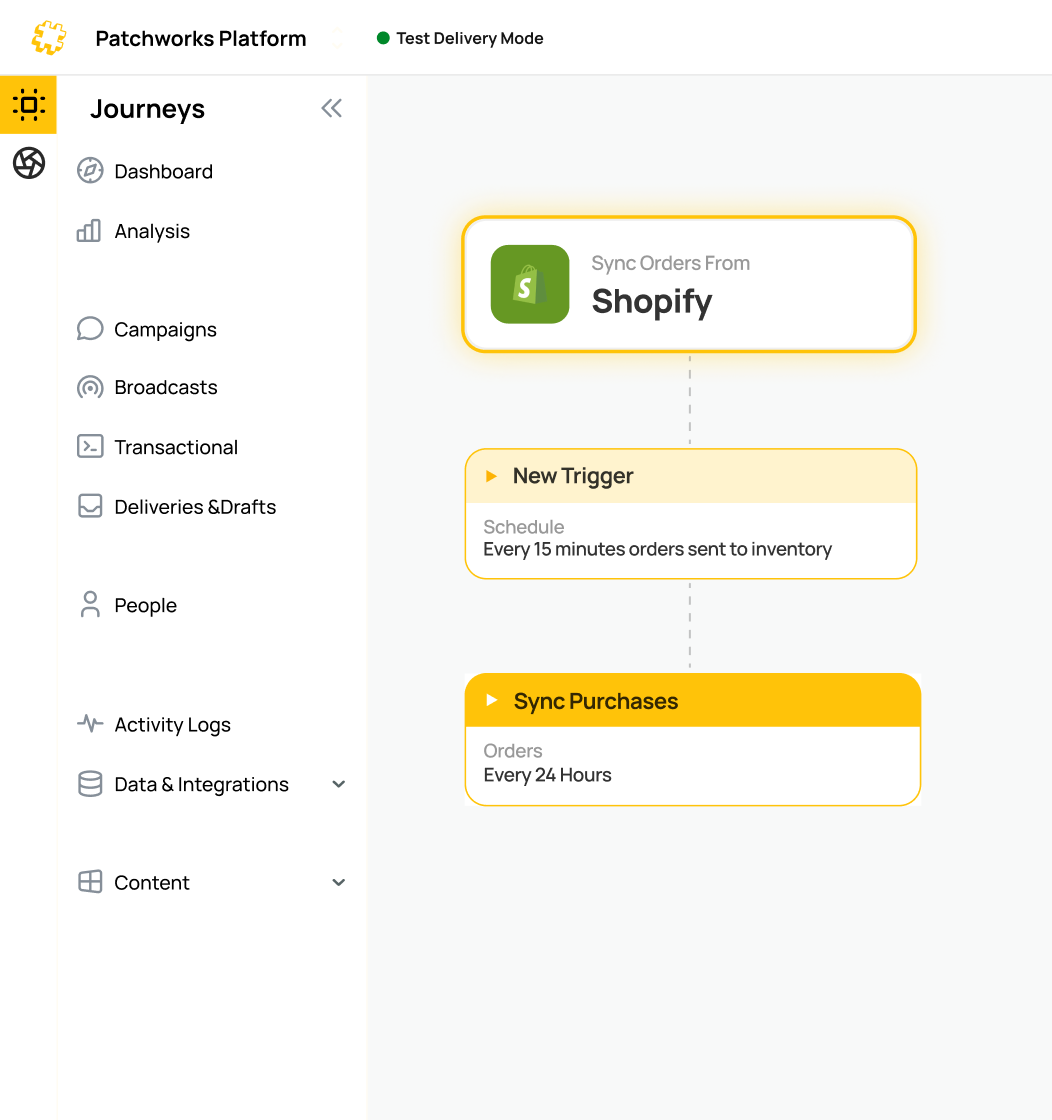































Develop smart process flows with AI and save months in implementation time! Meet Patchworks AI Studio

Business Central & Rithum Integration

Patchworks connects Microsoft Dynamics 365 Business Central to Rithum, so retailer drop-ship orders from Rithum’s Dsco and OrderStream platforms arrive in Business Central as sales orders, and acknowledgements, shipments, invoices and inventory go back automatically.

Part of our Business Central integration range, on the integration platform (iPaaS) trusted by 1,700+ brands.

Connector Dots for Integrations Connector Dots for Integrations

Supporting complex retail operations across fast-growing brands

company logo
company logo
company logo
company logo
company logo
company logo
company logo
company logo
company logo
company logo
company logo
company logo
company logo
company logo
company logo
company logo
company logo
company logo
company logo
company logo
company logo
company logo
company logo
company logo
company logo
company logo
company logo
company logo
company logo
company logo
company logo
company logo
company logo
company logo
company logo
company logo

Business Central and Rithum integration at a glance

Item
Details
What it is
An integration between Business Central and Rithum’s supplier drop-ship platforms, built and run on Patchworks
Who it’s for
Brands and suppliers running Business Central that fulfil retailer drop-ship orders through Rithum
Business Central connection
Prebuilt Business Central connector (API v2.0, OAuth 2.0 through a Microsoft Entra ID app registration), for Business Central online
How Rithum connects
Rithum’s supplier API, or file exchange over SFTP (including EDI documents), whichever your retailer programme uses
Flows
Orders in; acknowledgements, shipments, invoices and inventory out; catalogue updates and returns configurable
Triggers
Scheduled collection of new Rithum orders, plus event-driven flows from Business Central
Testing
Staging in Patchworks, plus Rithum’s own validation before your retailer approves go-live
Extend and manage with AI
AI Studio builds flows from a prompt, AI Agents explain failed runs, and the MCP Server connects AI tools to your integration
Security / pricing
SOC 2 and ISO 27001 / connected systems plus monthly operations, with unlimited users
What it is
Details
An integration between Business Central and Rithum’s supplier drop-ship platforms, built and run on Patchworks
Who it’s for
Details
Brands and suppliers running Business Central that fulfil retailer drop-ship orders through Rithum
Business Central connection
Details
Prebuilt Business Central connector (API v2.0, OAuth 2.0 through a Microsoft Entra ID app registration), for Business Central online
How Rithum connects
Details
Rithum’s supplier API, or file exchange over SFTP (including EDI documents), whichever your retailer programme uses
Flows
Details
Orders in; acknowledgements, shipments, invoices and inventory out; catalogue updates and returns configurable
Triggers
Details
Scheduled collection of new Rithum orders, plus event-driven flows from Business Central
Testing
Details
Staging in Patchworks, plus Rithum’s own validation before your retailer approves go-live
Extend and manage with AI
Details
AI Studio builds flows from a prompt, AI Agents explain failed runs, and the MCP Server connects AI tools to your integration
Security / pricing
Details
SOC 2 and ISO 27001 / connected systems plus monthly operations, with unlimited users

Ready to run Business Central and Rithum seamlessly together?

Book a demo
logo
logo
logo
logo
logo
logo
logo
logo
logo

What syncs between Business Central and Rithum

Flow
Direction
What happens in the system
Orders → sales orders
Rithum → Business Central
Each retailer drop-ship order becomes a sales order, with the retailer’s PO number, the consumer’s ship-to address and mapped items
Acknowledgements and cancellations
Business Central → Rithum
Accepted orders are acknowledged, and lines you can’t fulfil are cancelled with a reason
Shipments and tracking
Business Central → Rithum
Posted shipments send the carrier, service and tracking number to the retailer’s order, including partial shipments
Invoices
Business Central → Rithum
Posted sales invoices are sent against the original retailer order
Inventory
Business Central → Rithum
Available quantities are published on a schedule, from one or more locations
Catalogue and cost (configurable)
Business Central → Rithum
Item details and cost updates for retailer catalogues
Returns (configurable)
Rithum → Business Central
Retailer returns create return orders or credit memos
Orders → sales orders
Direction
Rithum → Business Central
What happens in the system
Each retailer drop-ship order becomes a sales order, with the retailer’s PO number, the consumer’s ship-to address and mapped items
Acknowledgements and cancellations
Direction
Business Central → Rithum
What happens in the system
Accepted orders are acknowledged, and lines you can’t fulfil are cancelled with a reason
Shipments and tracking
Direction
Business Central → Rithum
What happens in the system
Posted shipments send the carrier, service and tracking number to the retailer’s order, including partial shipments
Invoices
Direction
Business Central → Rithum
What happens in the system
Posted sales invoices are sent against the original retailer order
Inventory
Direction
Business Central → Rithum
What happens in the system
Available quantities are published on a schedule, from one or more locations
Catalogue and cost (configurable)
Direction
Business Central → Rithum
What happens in the system
Item details and cost updates for retailer catalogues
Returns (configurable)
Direction
Rithum → Business Central
What happens in the system
Retailer returns create return orders or credit memos

How should Business Central connect to Rithum?

Supplier portal
Standalone EDI service Patchworks
How orders reach Business Central
Keyed in by hand
Translated EDI documents
API or files, mapped into sales orders
Other channels
Managed separately
Usually separate tools
Shopify, 3PLs and marketplaces on the same platform
Changing a mapping
Not applicable
Often through the provider
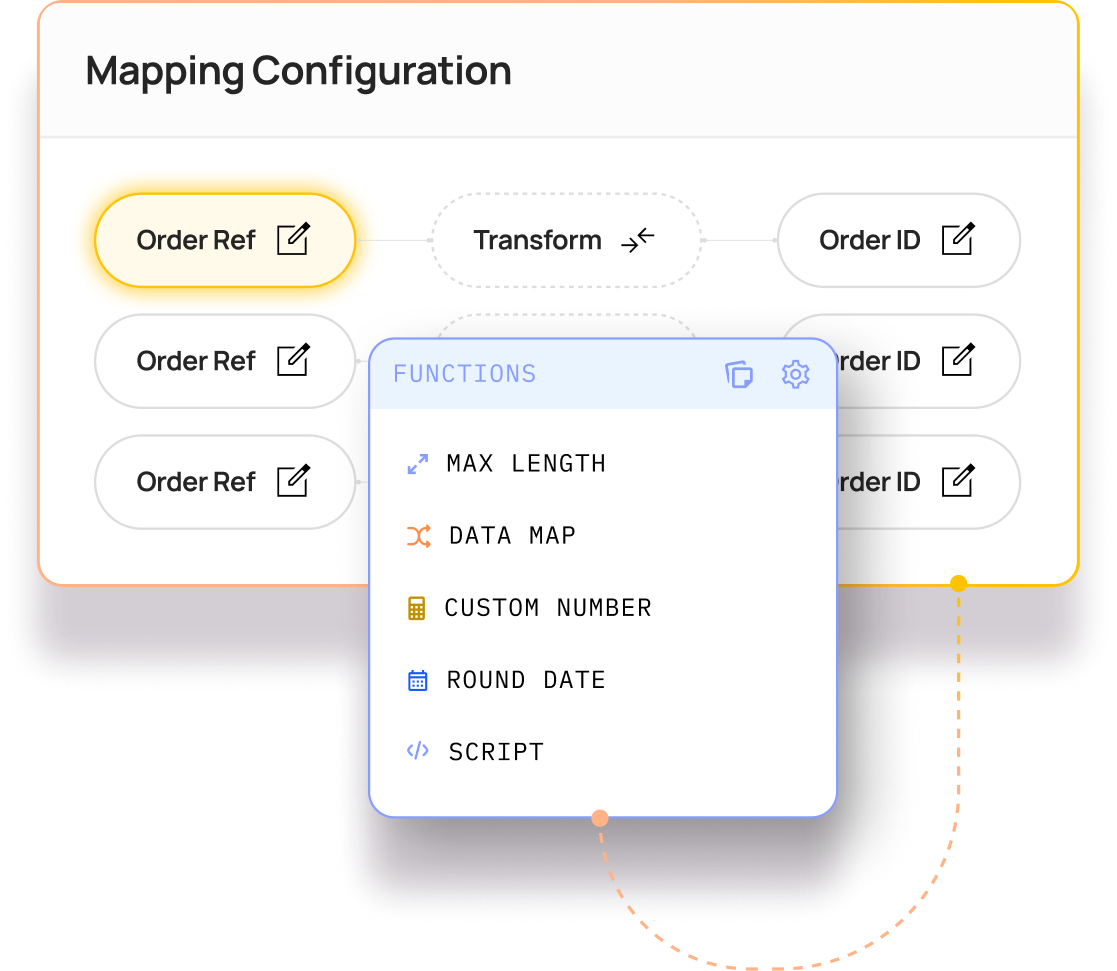
On the visual canvas, or with a prompt in AI Studio
Best for
A few orders a week from one retailer
Many EDI-only trading partners
Growing drop-ship volume alongside other channels
How orders reach Business Central
Supplier portal
Keyed in by hand
Standalone EDI service
Translated EDI documents
Other channels
Supplier portal
Managed separately
Standalone EDI service
Usually separate tools
Changing a mapping
Supplier portal
Not applicable
Standalone EDI service
Often through the provider
Best for
Supplier portal
A few orders a week from one retailer
Standalone EDI service
Many EDI-only trading partners

Built around how Rithum works for suppliers

Supplier-side by design

Your Rithum account is set up as a supplier, and the integration works on that side of the relationship: collecting each retailer’s orders, then acknowledging, shipping and invoicing them from Business Central.

API or files, flow by flow

Rithum lets suppliers mix connection methods, such as files for some flows and the API for others, and move across one flow at a time. Patchworks supports both, so you can start with whatever your retailer programme uses today.

Collected on your schedule

Rithum’s supplier API doesn’t push new orders out, so Patchworks checks for them on a schedule you set. If Rithum’s API is busy, Patchworks backs off and retries, as Rithum recommends.

Mapped to how Business Central works

Retailer SKUs are held as item references, each retailer is set up as a Business Central customer, and the consumer’s address goes on the order as the ship-to. Drop-ship sales sit alongside the rest of your trade, with no separate ledger to reconcile.

Supplier-side by design

Your Rithum account is set up as a supplier, and the integration works on that side of the relationship: collecting each retailer’s orders, then acknowledging, shipping and invoicing them from Business Central.

API or files, flow by flow

Rithum lets suppliers mix connection methods, such as files for some flows and the API for others, and move across one flow at a time. Patchworks supports both, so you can start with whatever your retailer programme uses today.

Collected on your schedule

Rithum’s supplier API doesn’t push new orders out, so Patchworks checks for them on a schedule you set. If Rithum’s API is busy, Patchworks backs off and retries, as Rithum recommends.

Mapped to how Business Central works

Retailer SKUs are held as item references, each retailer is set up as a Business Central customer, and the consumer’s address goes on the order as the ship-to. Drop-ship sales sit alongside the rest of your trade, with no separate ledger to reconcile.

Bring Business Central and Rithum into your AI assistant

If your team already works in Claude, ChatGPT or Gemini, the Patchworks MCP Server connects them to this integration. Your assistant can answer questions that span both systems, such as which retailer orders haven’t been acknowledged yet, and retry a failed sync when you ask, all within the permissions you set. Taking on a new retailer programme? Describe its requirements in AI Studio and the Implementation Agent builds the flow.

Built for peak, not just go‑live

Drop-ship programmes are tested in the fourth quarter, when retailer orders spike and acknowledgement deadlines stay the same.

Flow-level concurrency controls and queued runs keep syncs moving within Business Central’s API limits, and the Patchworks platform auto-scales as volumes rise.

Proven by retailers operating at scale

Business Central & Rithum integration FAQs

Related integrations and accelerators

Featured
Trending

Ecommerce

Shopify

Connect Shopify and Shopify Plus to your ERP, 3PL, marketplaces and CRM with Patchworks, Shopify’s only certified technology partner for integrations.

Microsoft Dynamics 365 Business Central Logo Mark

ERP

Microsoft Dynamics Business Central

Connect Dynamics 365 Business Central to Magento, Shopify, BigCommerce, marketplaces and 3PLs. Automate order, stock and fulfilment sync for retail brands.

Marketplaces

Rithum & ChannelAdvisor Integration

Connect Rithum (ChannelAdvisor, CommerceHub and Dsco) to your ERP, storefront and 3PL, with marketplace and dropship orders, stock and shipments synced.

Virtualstock

Marketplaces

Virtualstock

Virtualstock is a leading Integration Platform as a Service (iPaaS) that empowers merchants to automate systems, streamline processes, and grow their businesses.

Inventory & Stock Synchronisation

Maintain a unified inventory truth across all channels. Update stock levels in real time to prevent margin-damaging overselling.

“A new world of opportunity to leverage technology and serve businesses efficiently. Patchworks offers a great portfolio of integrations and are working towards many more.”

Paula Abisolo Omni-channel Delivery Lead, Mint Velvet

“We’ve been able to take on opportunities that would take other companies 6 months but because we’ve got that scalable architecture in place, we can do it a lot faster”

Luke Lennon Tech Operations Analyst, Castore

“With Patchworks, we were able to pull everything off, seamlessly connecting systems, speeding processes and future-proofing the setup.”

Ritesh Mistry Founder, MRE Digital

BOOK DEMO

Get your personalised platform demo

To ensure you get the best from your personalised demo, we need to gather some information. This helps us match you with an expert who understands your needs.

BOOK DEMO

Book your meeting time

We’re happy to work around you and your schedule. Select a meeting day and time from below and we’ll be happy to discuss how Patchworks might be the right solution for you.

Partner application

Become a Patchworks Partner.

To make the most of your partnership application with Patchworks, we need to collect some details. This allows us to connect you with a representative who can address your specific requirements.

Shero

“You should have partnered with Patchworks yesterday. It saves time, cuts costs, and most importantly keeps your customers happy.”

Gentian Shero

Co-Founder & Chief Strategy Officer, Shero Commerce

BOOK DEMO

Book your meeting time

To determine if you are a suitable candidate for partnership, please schedule a brief call with a member of our partnerships team.


This conversation will help us gather essential information about you, your company, and your skill set.

Partner match making

Let us match you with an expert

Tell us a little about yourself and your company, and we’ll find the perfect expert to help.

Patchworks Customer IO

Partner match making

Let us match you with an expert

Event Title

Enter your details to secure your spot

Complete the form below to reserve your place and be the first to receive event updates & details.

Download resource

Enter your details to download

Tell us a little about yourself to download this quality resource.

ASK A QUESTION

What would you like to know?