

















ERP
NetSuite
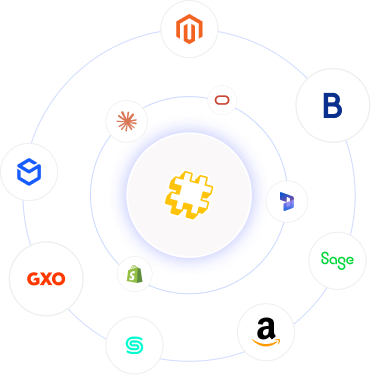
Connect Oracle NetSuite to Shopify, Magento, BigCommerce, Amazon, your WMS and 3PLs. Automate order, inventory and fulfilment sync for retail brands.
Patchworks connects HubSpot to the ERP, accounting and ecommerce systems your commerce business runs on. Orders, invoices, products and customer data flow into HubSpot, so sales, service and marketing teams see the full customer picture, and closed deals and new accounts flow back to your ERP. All on an integration platform (iPaaS) trusted by 1,700+ brands.
Use prebuilt connectors, or build exactly what you need with AI Studio.
Supporting complex retail operations across fast-growing brands


| Item |
|
|---|---|
| Connector |
Prebuilt HubSpot connector
|
| HubSpot API |
HubSpot REST APIs for CRM and commerce objects
|
| Authentication |
HubSpot private app access token
|
| HubSpot objects |
Contacts, companies, deals, line items, products, tickets and custom objects
|
| Connects HubSpot to |
Any system with an API or MCP server, through a prebuilt connector or one built in minutes with AI Studio
|
| Triggers |
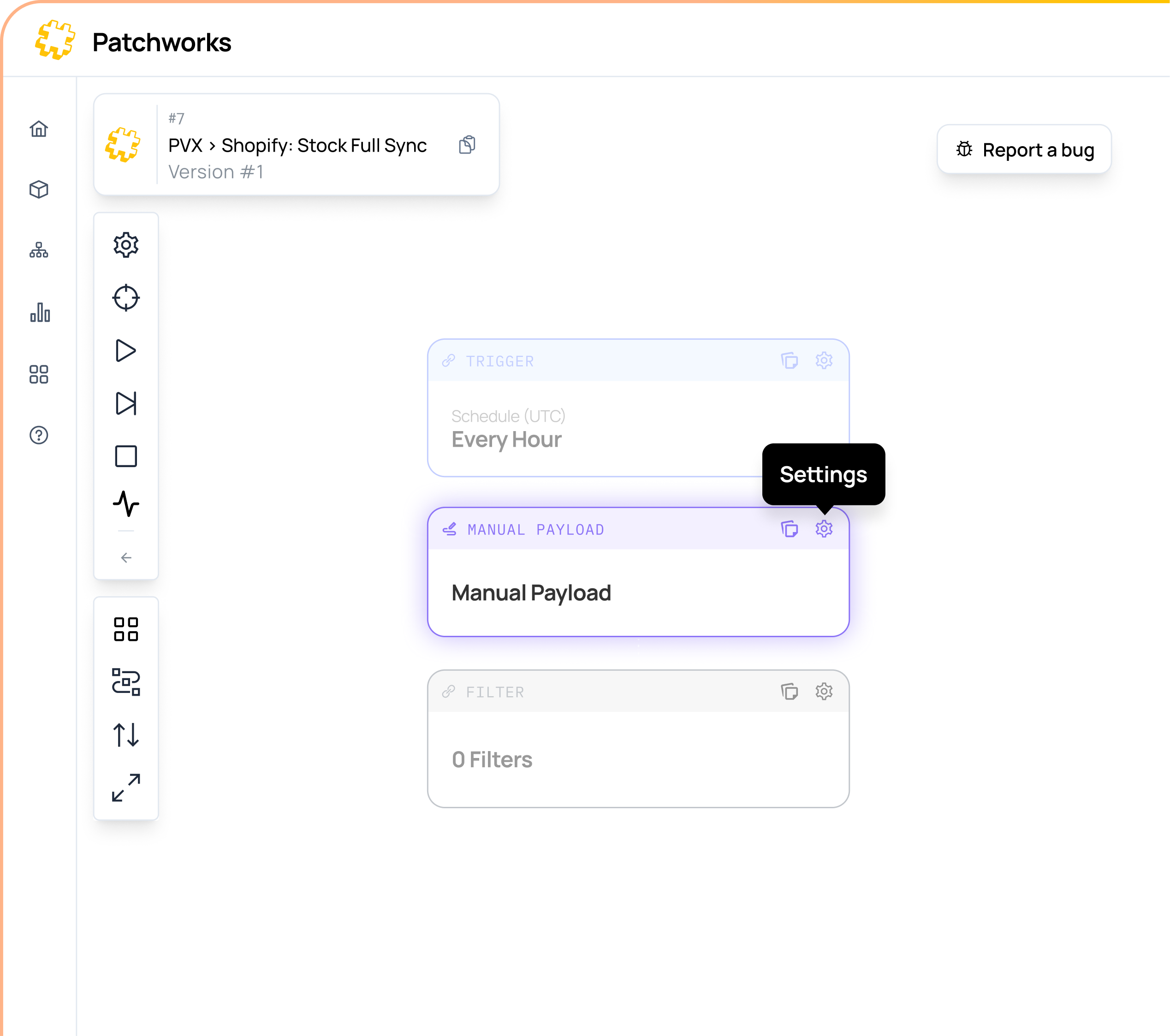
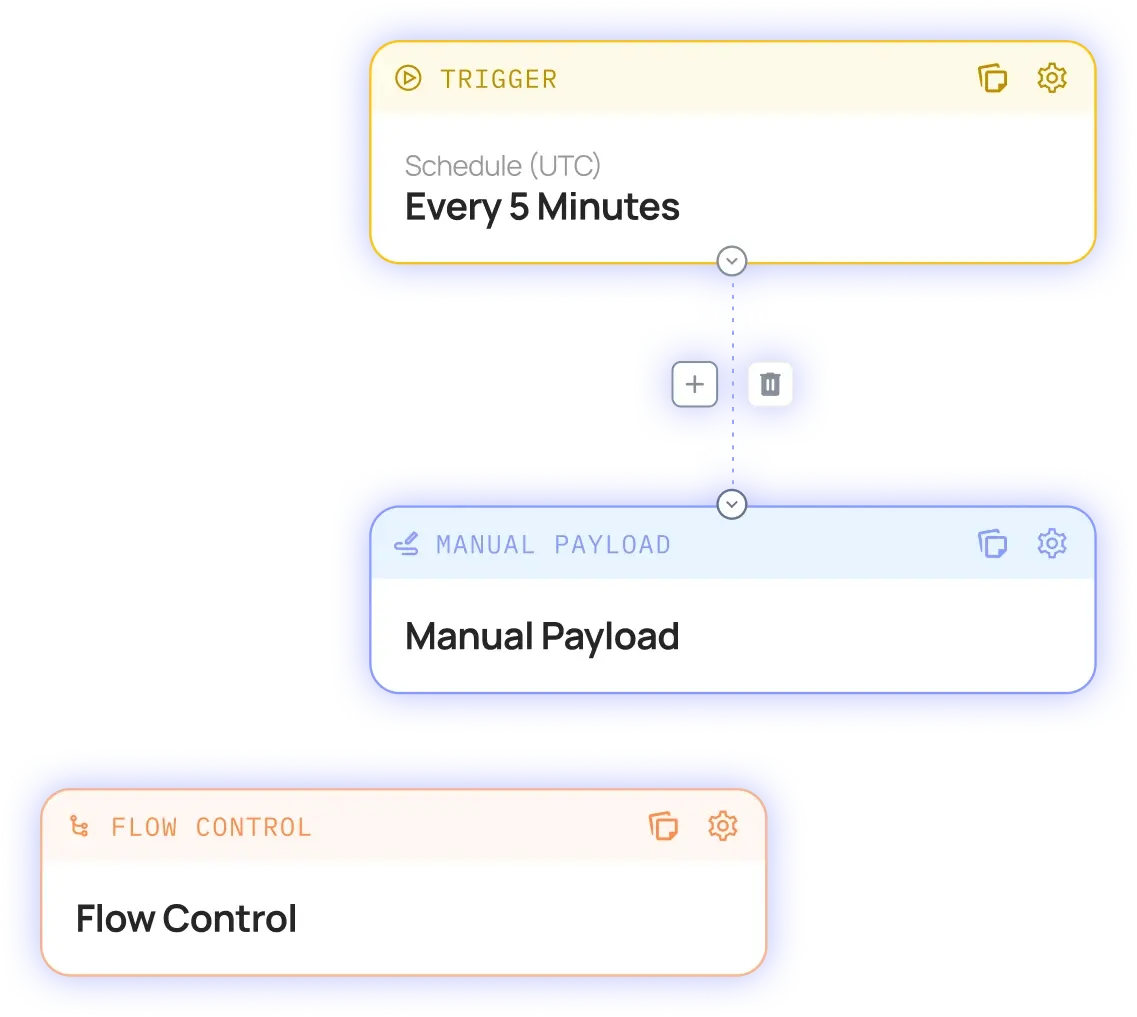
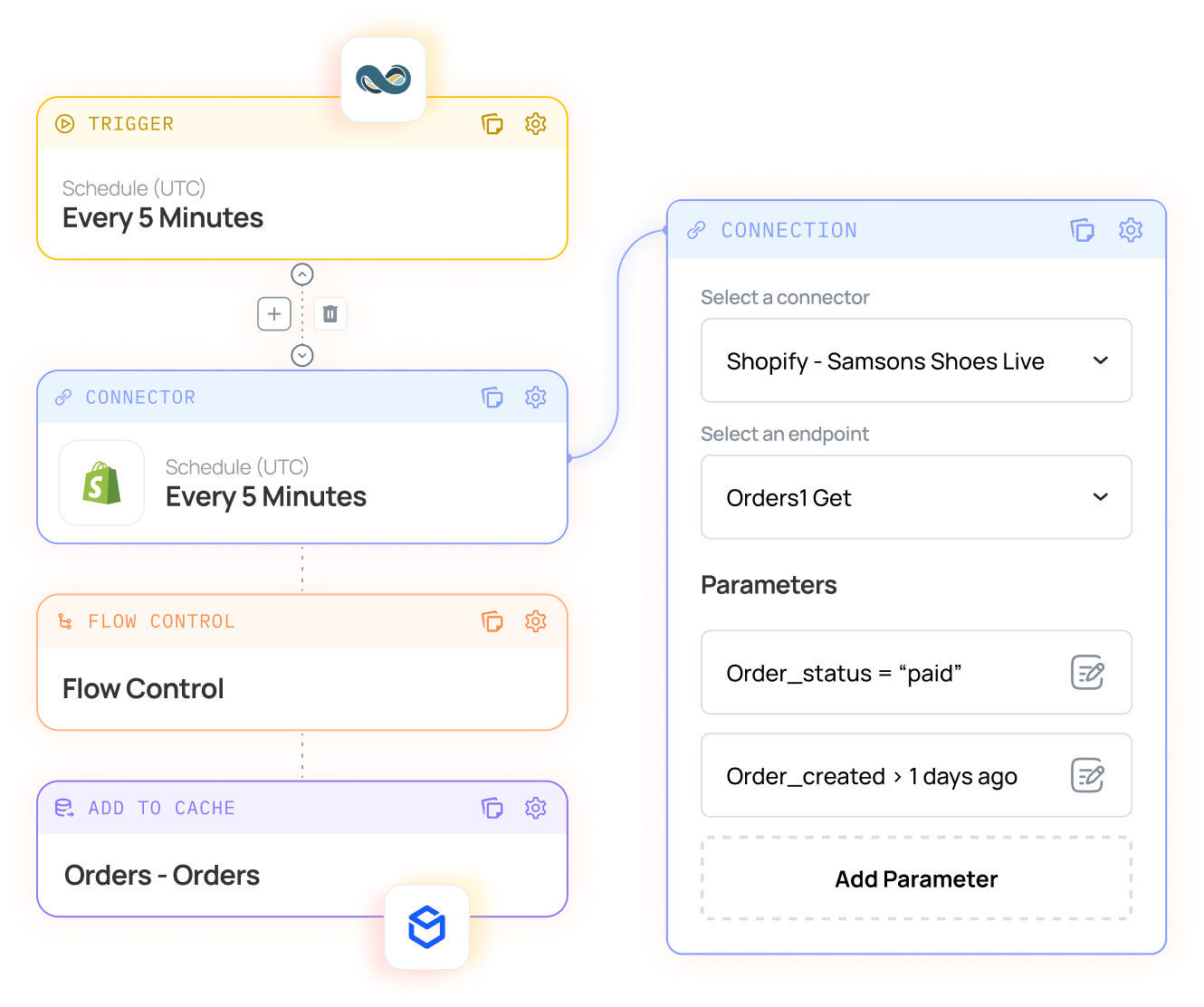
Scheduled, webhook, callback and event-driven process flows
|
| Environments |
Test in staging before deploying to production
|
| Security |
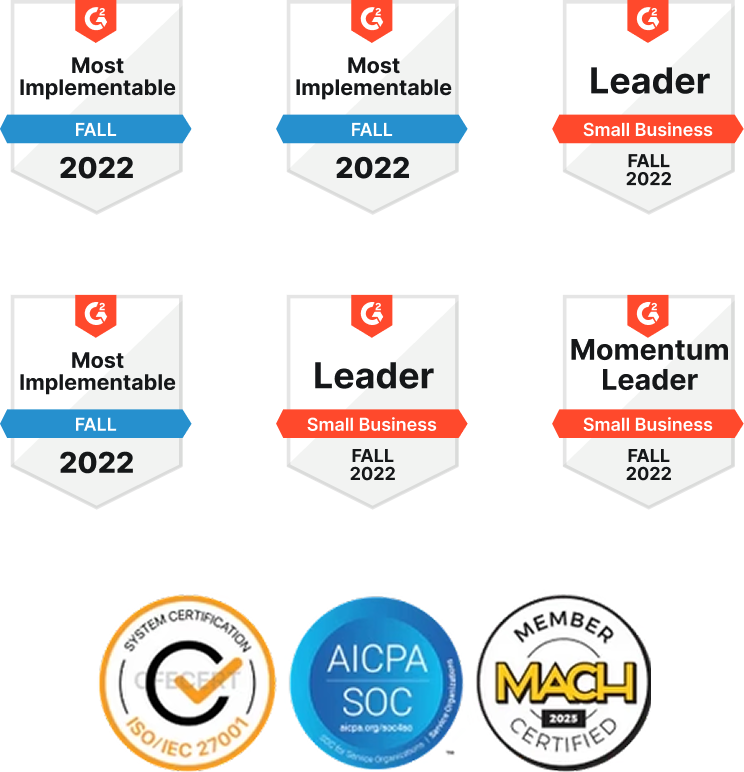
SOC 2 and ISO 27001
|
| Pricing |
Based on connected systems and monthly operations, with unlimited users
|
Our HubSpot ERP integration puts orders, invoices and account status from NetSuite, Microsoft Dynamics 365 Business Central or Sage on the HubSpot records your teams already use. When a deal closes, the customer and sales order are created in your ERP automatically, with no re-keying between sales and finance.
Finance & Leadership
Connect HubSpot to Xero, Sage or QuickBooks and show invoice and payment status on every company record, so account managers know who’s overdue before they pick up the phone. New customers and closed deals flow into your accounting system, ready to invoice.
Our HubSpot ecommerce integration brings customers, orders and purchase history from Shopify, Adobe Commerce (Magento), BigCommerce or WooCommerce into HubSpot. Marketing can segment by what customers actually buy, and service teams see every order without switching systems.
Connect HubSpot to Zendesk, Klaviyo and the rest of your customer tools, so order history and account context follow the customer wherever the conversation happens. Tickets, contacts and activity stay in step, and no one works from out-of-date data.
Show shipment and tracking status from GXO, Descartes Peoplevox, ShipBob or your own warehouse on HubSpot records and tickets. Service teams can answer “where’s my order?” in seconds, without leaving the CRM or chasing the warehouse.
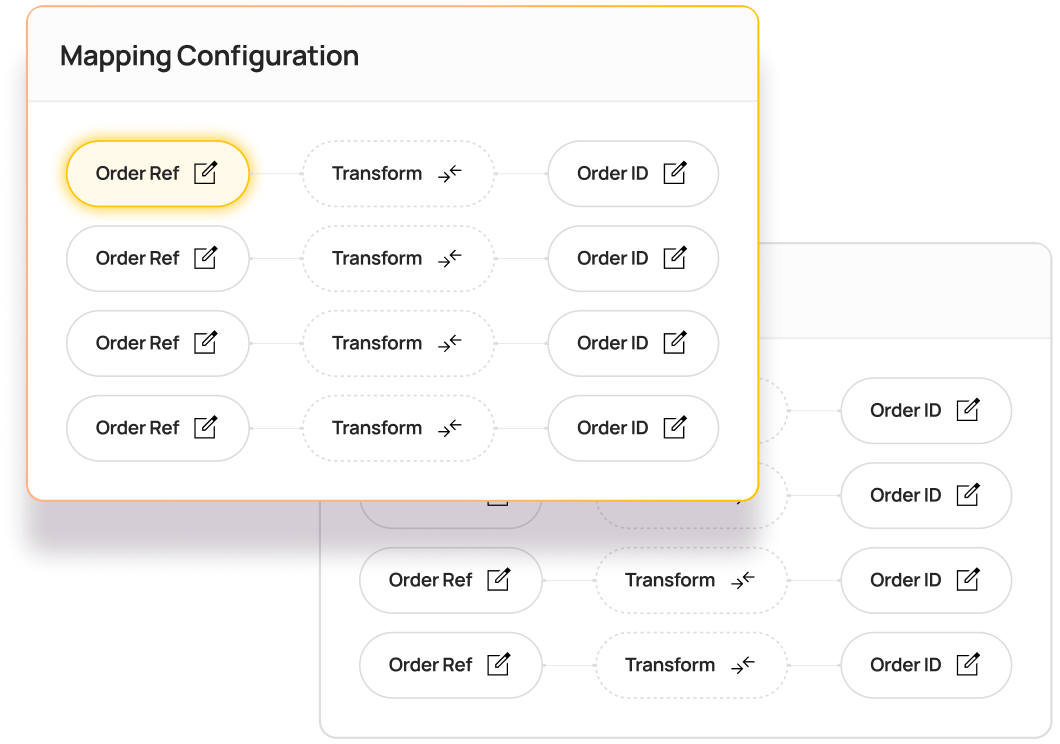
If a system has an API or an MCP server, Patchworks can connect it to HubSpot. Describe the integration in a prompt, or upload an API specification or JSON file, and AI Studio’s Implementation Agent builds the connector, process flows and field mappings for you, typically giving you a working model in minutes.
| Item |
Details
|
|---|---|
| Customers and contacts |
Customers from your storefront and ERP are created and updated as HubSpot contacts, with no duplicates and no manual imports.
|
| Companies and B2B accounts |
Wholesale and B2B accounts stay in step between your ERP and HubSpot companies, including payment terms and account status.
|
| Orders and purchase history |
Ecommerce and ERP orders appear on HubSpot records with line items, so marketing can segment by what customers actually buy.
|
| Products and pricing |
Your product catalogue and prices are published from your ERP or PIM to HubSpot products, ready for quotes and line items.
|
| Deals to sales orders |
When a deal closes in HubSpot, the customer and sales order are created in your ERP. There’s no re-keying between sales and finance.
|
| Invoices and payments |
Invoice and payment status from your ERP or accounting system shows on HubSpot records, so account managers see the full picture.
|
| Tickets and order status |
Order, shipment and tracking details are attached to HubSpot tickets, so service teams can resolve queries without switching systems.
|
Most HubSpot integrations work on launch day. The test comes when order volumes spike, a new system joins the stack, or a sync fails in the middle of Black Friday.
HubSpot integration connects HubSpot’s CRM to the other systems a business runs on, so data moves between them automatically. For commerce brands, that usually means bringing orders, invoices, products and account status from ERP, accounting and ecommerce systems into HubSpot, and sending closed deals and new customers back. See all our CRM integrations.
Yes. HubSpot offers REST APIs for its CRM and commerce objects, including contacts, companies, deals, line items, products, tickets and custom objects. Patchworks connects using a HubSpot private app access token, then handles mapping, retries and monitoring, so you’re not maintaining custom code. See our HubSpot connector documentation.
For simple needs, often yes. HubSpot’s native integrations and Data Hub sync standard records, such as contacts, companies and deals, with systems including NetSuite, Xero and Shopify. Commerce brands typically add an iPaaS such as Patchworks when they need custom objects, orders and invoices on HubSpot records, one set of flows across several systems at once, or full monitoring and error handling at peak. Compare iPaaS platforms.
DO use HubSpot’s native sync for standard contact, company and deal records between two systems.
DON’T rely on it alone when HubSpot needs custom objects, order and invoice history, or data from several commerce systems at once.
The most flexible route is through an integration platform. With Patchworks, NetSuite orders, invoices and customer records appear on HubSpot contacts and companies, and when a deal closes in HubSpot, the customer and sales order are created in NetSuite. Custom fields and custom objects can be mapped too. See our NetSuite integration.
Yes. Patchworks connects HubSpot to Business Central so customer, order and account data is shared between sales, service and finance. Closed deals become sales orders in Business Central, and invoice and payment status shows on HubSpot records. See our Business Central integration.
Connect them through Patchworks so invoice and payment status appears on HubSpot company and contact records, and new customers and closed deals flow into your accounting system ready to invoice. It removes the manual export-and-import between sales and finance. See our Xero integration, Sage integration and QuickBooks integration.
Yes. HubSpot offers a free native Shopify app that covers the basics of customer and order sync. Brands add Patchworks when Shopify data also needs to reach their ERP or 3PL, when they run several stores or a B2B storefront, or when they need custom objects and full error handling. See our Shopify integration.
Yes. Patchworks brings orders and their line items from your storefront or ERP into HubSpot, attached to the right contacts and companies. Marketing can then segment and personalise campaigns based on what customers have actually bought, and service teams can see every order in one place. See our ecommerce integrations.
Yes. Patchworks talks directly to HubSpot’s API, so the question isn’t whether an object is supported. It’s what you want to happen with it. Custom objects can be synced alongside standard contacts, companies, deals, line items, products and tickets, which fixed-scope native connectors often can’t do. Need something bespoke? Use Connector Builder.
Yes. HubSpot offers a native Salesforce integration for syncing CRM records between the two platforms. Patchworks extends that by connecting HubSpot and Salesforce to the rest of your stack, including your ecommerce platform, ERP and warehouse, so both CRMs work from the same commerce data. See our Salesforce integration.
Not necessarily. Many teams build and run their HubSpot integrations in-house on Patchworks, with support from its senior engineers. Most teams deploy their first flows within days, and more complex estates go live in weeks rather than months. If you’d rather hand it over, you can work with one of our approved agency partners.
It depends on how many systems you connect and how much data moves between them. Patchworks pricing is based on the number of connectors and monthly operations. An operation is counted each time Patchworks sends or receives a data payload. Every plan includes unlimited users. See pricing.
Yes, as long as it has an API or an MCP server. In AI Studio, describe the integration in a prompt or upload an API specification or JSON file, and the Implementation Agent builds the connector, process flows and field mappings, typically giving you a working model in minutes.