Summary
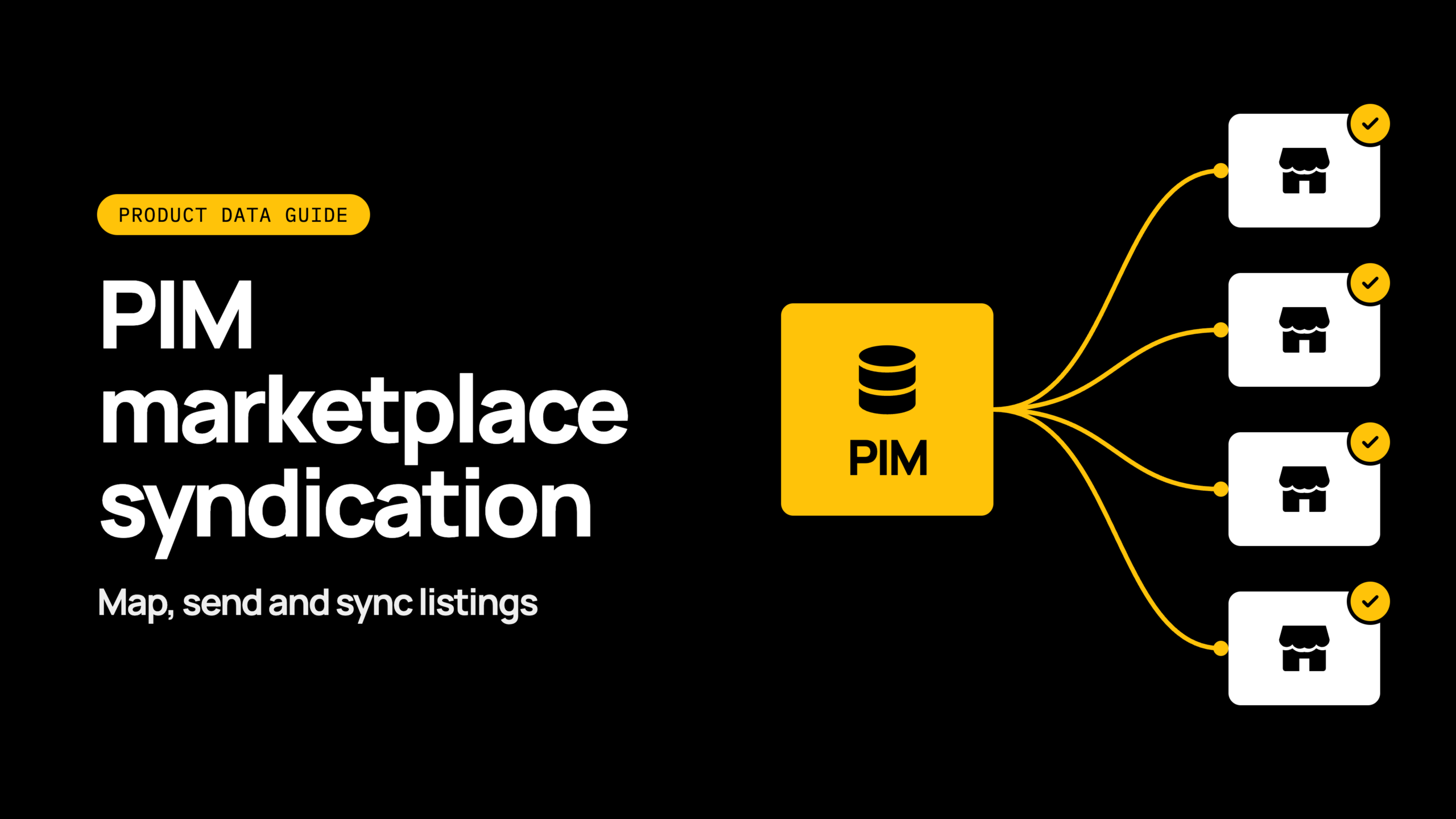
Publish product data once from your product information management (PIM) system, and send it to every marketplace in the format each one needs. That is the aim of PIM marketplace syndication. This guide shows how to map, send and keep listings in sync.
What is PIM marketplace syndication?
Product data syndication means sending product information from your PIM to each marketplace in the format that channel requires. Your PIM is the source of truth for titles, descriptions, images, attributes and identifiers.
Marketplaces are the destinations. Each one has its own rules for a valid listing. Syndication translates your single source into each of those formats and keeps it current.
Why does syndication break as you add marketplaces?
Syndication breaks as you add marketplaces because every new channel brings its own rules, and manual exports can’t keep up. Most failures start well before peak, in feeds nobody is monitoring.
Picture a retailer with one marketplace and a spreadsheet export. It works.
Then a second and third channel arrive, each wanting different titles, categories and image rules. Someone edits a CSV by hand, a field is missed, and listings are rejected or show the wrong price.
Point-to-point feeds make this worse. Each connection has its own logic and must be maintained separately. When a rule changes, you hunt for every place it lives.
Patchworks is the retail-first, AI-native orchestration layer for retail tech stacks. It gives you one layer that coordinates your PIM, your enterprise resource planning (ERP) system, your ecommerce platform and your marketplaces. Rules then sit in one place instead of being copied across a tangle of feeds. See the channels we connect on our marketplace integrations page.
How do marketplace attribute requirements differ?
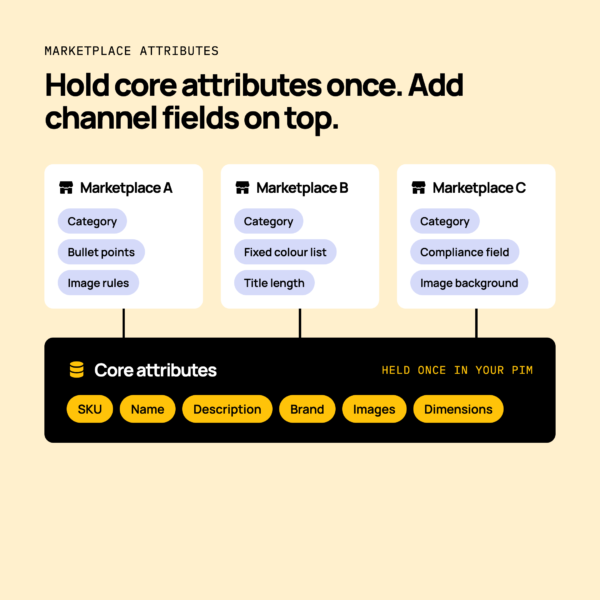
Marketplace attribute requirements differ in required fields, category taxonomies, title and image rules, and value formats.
One channel may want a colour from a fixed list. Another may accept free text. A third may limit title length or insist on a particular image background.
Always check each marketplace’s own documentation before you build.
Required, optional and channel-specific attributes
Sort your product data into a core set held once in the PIM, then add channel-specific fields per marketplace. The core set covers what every channel needs: SKU, name, description, brand, images and dimensions.
Channel-specific fields sit on top. These might be a marketplace category, a bullet-point format or an extra compliance field. Hold them against the product, not in a separate spreadsheet.
Categories, variants and identifiers
Each marketplace has its own category tree, so your PIM categories need mapping to the channel’s version. Parent and child variants, such as a shirt in several sizes and colours, must keep their relationship on each channel. Identifiers such as barcodes need to be present and valid.
For fashion variants in depth, read managing fashion product variants between PIM, ERP and Shopify.
How do you map PIM fields to each channel?
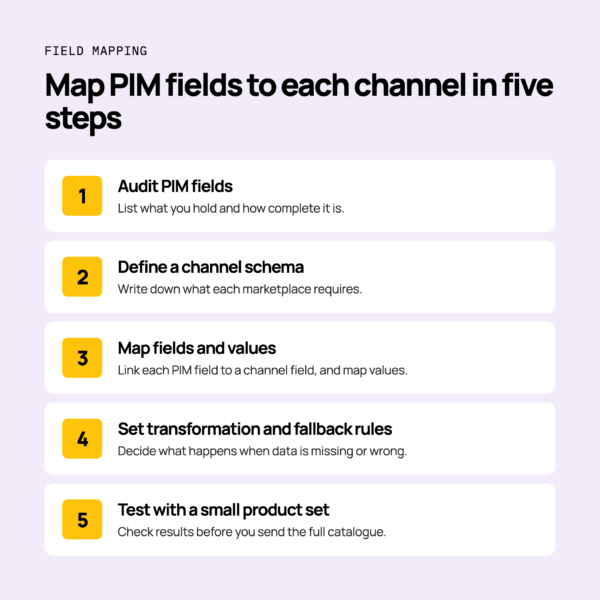
Map PIM fields to each channel in five steps, from a field audit to a small test.
- Audit PIM fields. List what you hold and how complete it is.
- Define a channel schema. Write down what each marketplace requires.
- Map fields and values. Link each PIM field to a channel field, and map values such as colour names.
- Set transformation and fallback rules. Decide what happens when data is missing or in the wrong format.
- Test with a small product set. Check results before you send the full catalogue.
Do map every field before you launch. Don’t rely on hand-edited spreadsheet feeds during peak trading.
Feed rules and transformations per channel
Feed rules change product data to fit a channel before it is sent. Typical rules include title formats, unit conversion, value lookups and excluding products that don’t meet channel criteria.
For example, a rule can build a title from brand, product name and colour. Another can convert centimetres to inches. Another can hold back any product with no image.
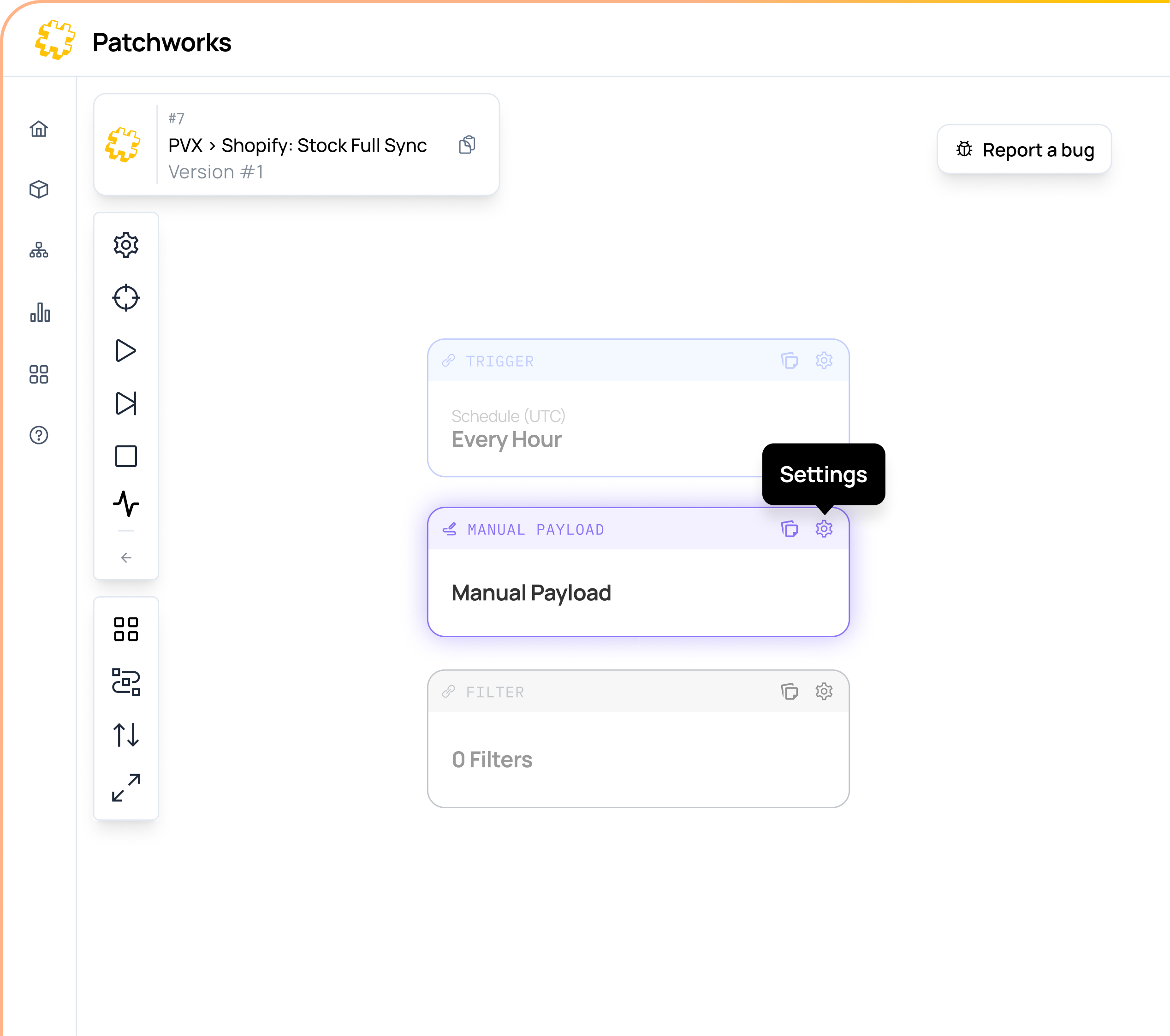
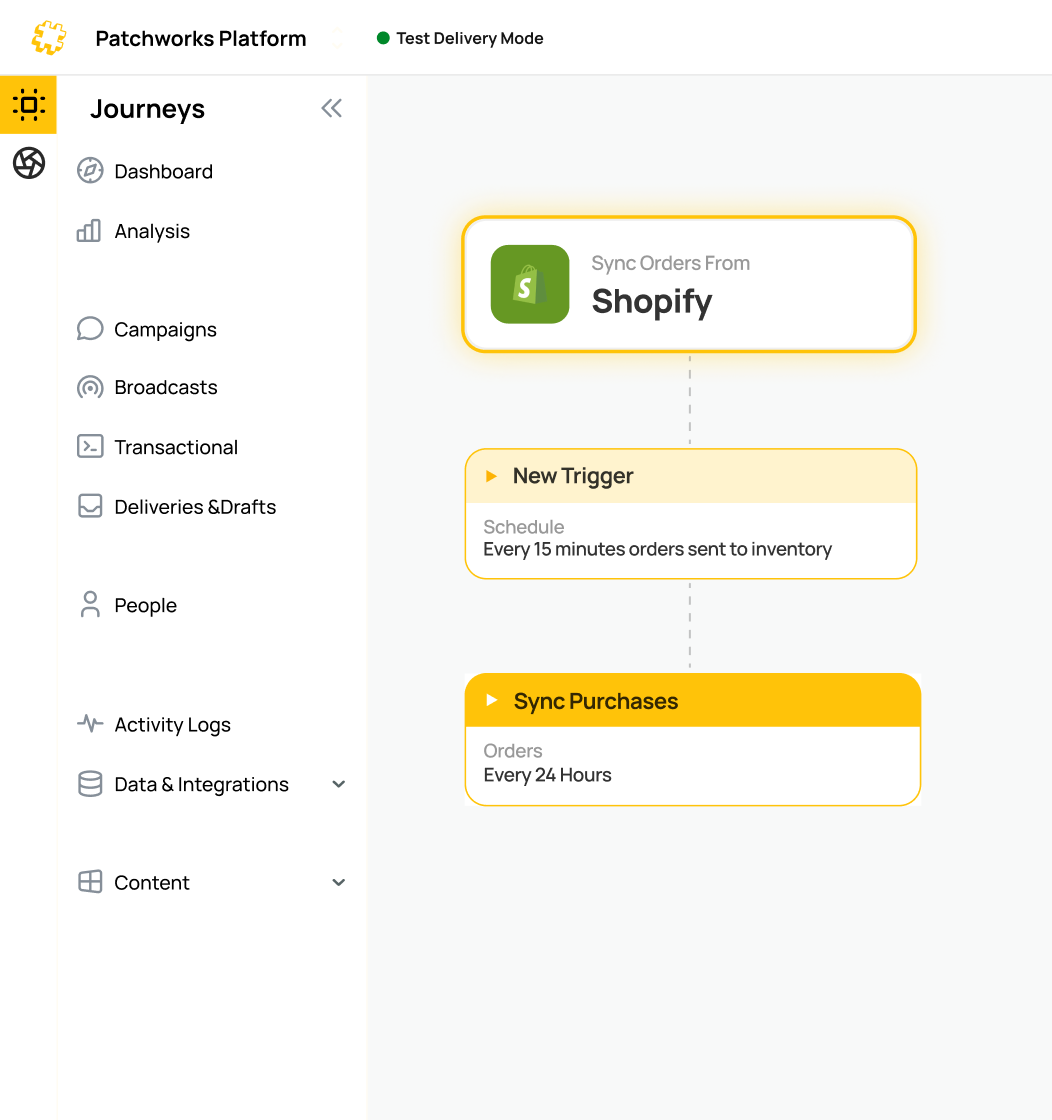
In Patchworks, an iPaaS (integration platform as a service), you apply these rules in the low-code, drag-and-drop flow builder, using data transformations. AI Studio agents can help build mappings from plain-English prompts. Prebuilt connectors and workflow templates give you a starting point, and developers can still script where they need to.
How do you handle rejected listings?
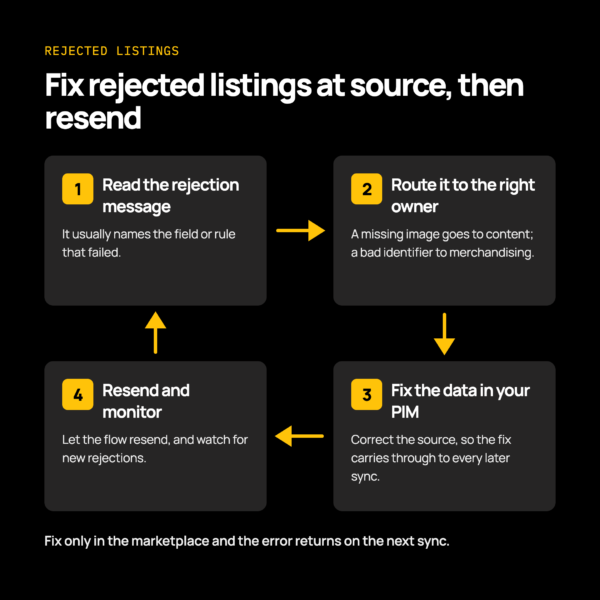
Catch rejections quickly, fix the source data in the PIM, and resend. Fixing a listing only in the marketplace means the error returns on the next sync.
- Read the rejection message. It usually names the field or rule that failed.
- Route the error to the right owner. A missing image goes to the content team. A bad identifier goes to merchandising.
- Fix at source. Correct the PIM, then let the flow resend.
- Monitor. Visibility across your flows helps you catch problems before shoppers run into them.
Many rejections trace back to the same few data faults. Read more in seven product data errors that break orders and listings.
How do you keep price and stock aligned across marketplaces?
Keep price and stock aligned by joining product, price and stock flows in one orchestration layer. Price and stock usually come from your ERP, order management system (OMS) or warehouse management system (WMS), not the PIM.
When stock changes in the warehouse system, the new level should reach each marketplace. When a price updates in the ERP, every channel should receive it. Product data from the PIM and price and stock from other systems stay matched.
AYBL runs six Shopify stores from one pool of stock, and cut oversells by 90% across all six during its most recent peak. For a marketplace example, see our Amazon Seller Central integration.
Which system should own product data is a separate question, covered in PIM vs ERP.
How does Patchworks support PIM to marketplace syndication?
Patchworks gives you one layer that coordinates your PIM, ERP, ecommerce platform and marketplaces, with monitoring and visibility. Patchworks is used by 2,000+ brands.
Connection methods fit the system. Prebuilt connectors talk to each system’s API, such as our Plytix integration for PIM data. File-based channels can use the SFTP connector.
For the wider picture, read our guide to PIM integration.