













Ecommerce
Shopify
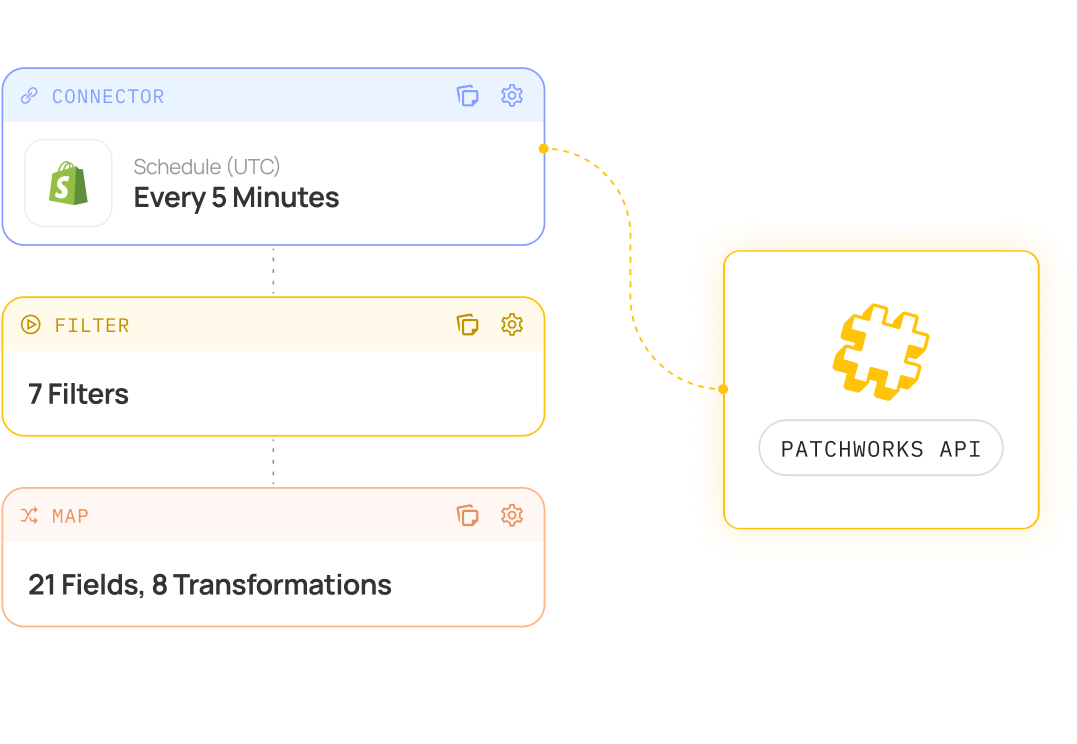
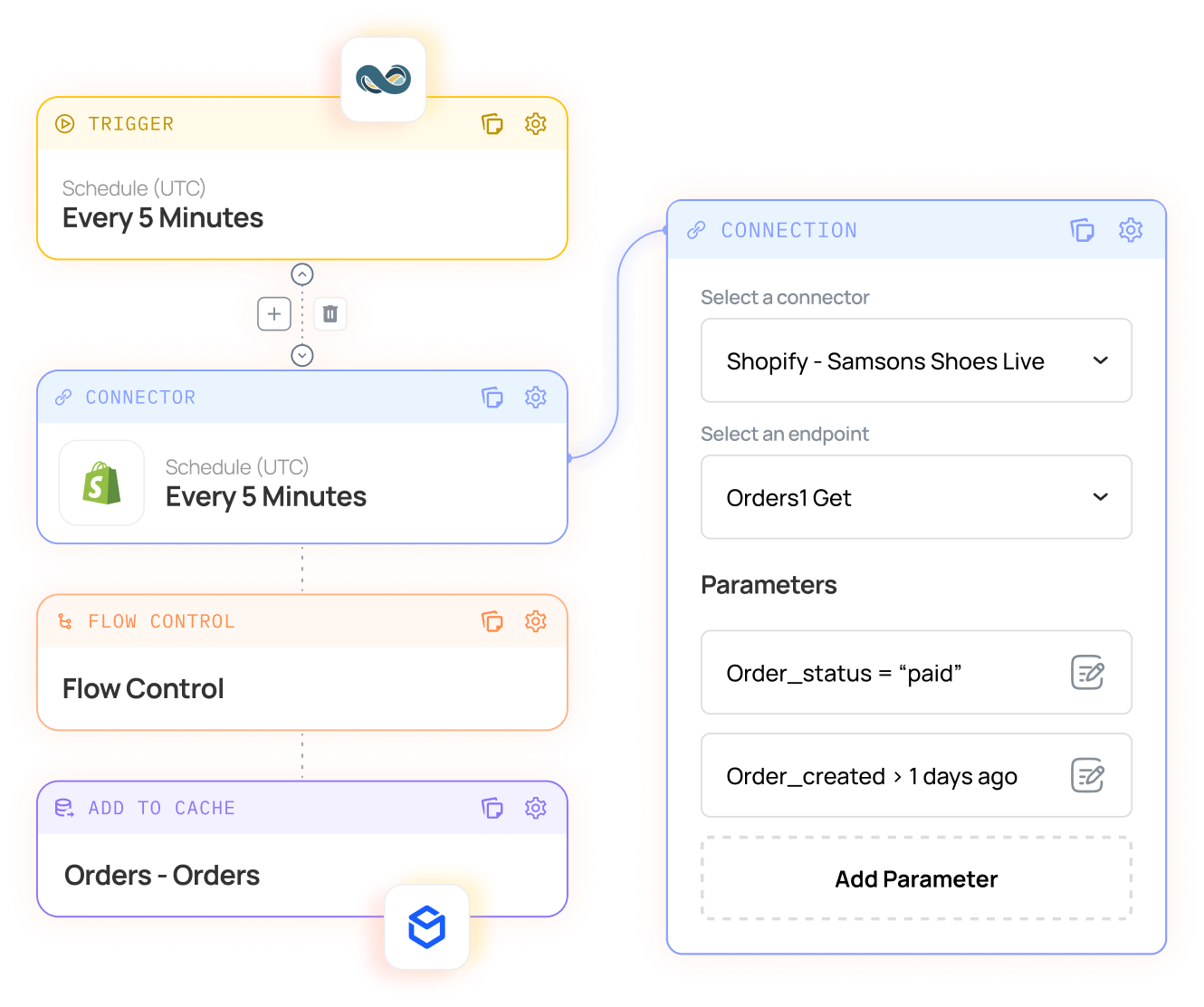
Connect Shopify and Shopify Plus to your ERP, 3PL, marketplaces and CRM with Patchworks, Shopify’s only certified technology partner for integrations.
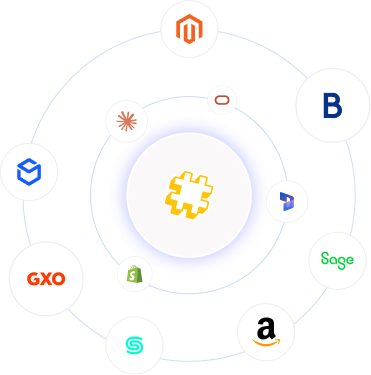
Patchworks connects Sage 200 Standard and Sage 200 Professional to your ecommerce platforms, marketplaces, warehouses and CRM. Our prebuilt connector works with the official Sage 200 API, so orders, stock, pricing and customers move automatically between Sage 200 and every channel, on an integration platform (iPaaS) trusted by 1,700+ brands.
Supporting complex retail operations across fast-growing brands


| Item |
|
|---|---|
| Connector |
Prebuilt Sage 200 connector
|
| Sage 200 editions |
Sage 200 Standard (cloud) and Sage 200 Professional (on-premises or hosted)
|
| Sage 200 API |
The official Sage 200 REST API
|
| Authentication |
OAuth 2.0 with your Sage ID, plus a Sage Developer Portal subscription key. Company and site are selected per connection
|
| Sage 200 records |
Customers, sales orders, stock items, warehouses and stock levels, price bands, despatches, sales invoices, receipts and credit notes
|
| Connects Sage 200 to |
Any system with an API or MCP server, through a prebuilt connector or one built in minutes with AI Studio
|
| Proven with |
Natural Instinct (Shopify Plus and Sage 200), delivered with Swanky
|
| Triggers |
Scheduled, webhook and event-driven process flows
|
| Security |
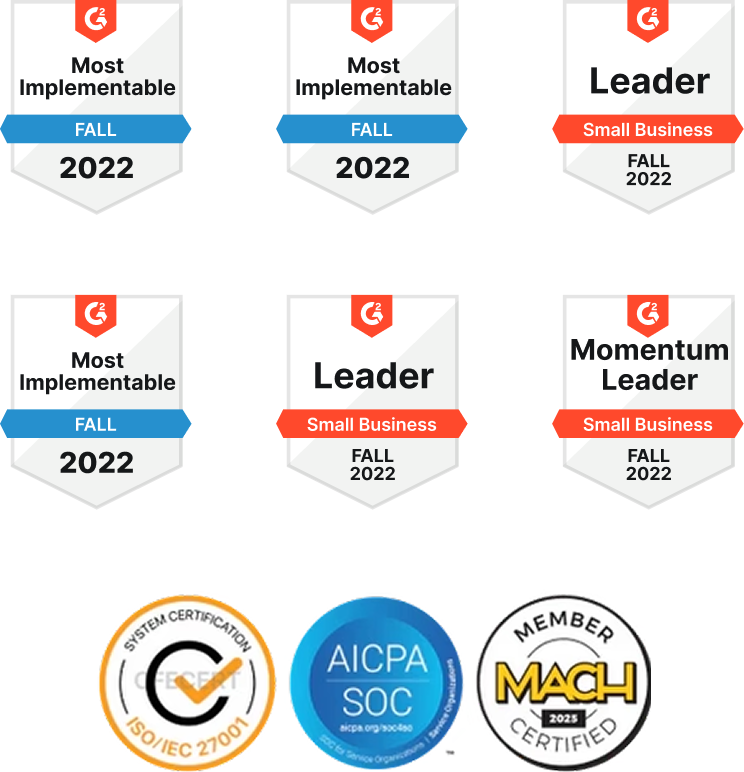
SOC 2 and ISO 27001
|
| Pricing |
Based on connected systems and monthly operations, with unlimited users
|
|
Sage 200 Standard
|
Sage 200 Professional | |
|---|---|---|
| Where it runs |
Sage’s cloud
|
On your own servers, or hosted by a partner
|
| API |
Sage 200 REST API, available out of the box
|
Sage 200 REST API, once the API service is installed and enabled
|
| Setup before integrating |
Register the app and connect with your Sage ID
|
Install the Sage 200 API service on an externally facing web server on your network, and ask Sage to enable the API on your licence
|
| Customisation |
Configured through the API
|
API, plus deeper customisation through the Sage 200 SDK
|
| Patchworks connector |
Prebuilt
|
Prebuilt
|
Running Sage 200 Professional on-premises? We’ll help you or your Sage business partner get the API service set up before we connect.
Connect Sage 200 to your website and stop re-keying orders. WooCommerce, Shopify, Adobe Commerce (Magento) and BigCommerce orders become Sage 200 sales orders, and stock levels, price bands and despatches flow back to your store.
Bring Amazon, eBay and TikTok Shop orders into Sage 200 as sales orders alongside your web orders, and publish stock from Sage 200 to every marketplace so you don’t oversell.
Connect Sage 200 to Descartes Peoplevox, GXO, Huboo or ShipBob. Orders go to the warehouse as they land, and despatches and stock movements come back, across every Sage 200 warehouse.
EDI
Wholesale orders from EDI trading partners arrive in Sage 200 with the right customer, price band and terms, so B2B runs through the same stack as your storefront.
Connect Sage 200 to HubSpot or Salesforce so account teams can see orders, balances and credit status, and closed deals become Sage 200 sales orders without re-keying.
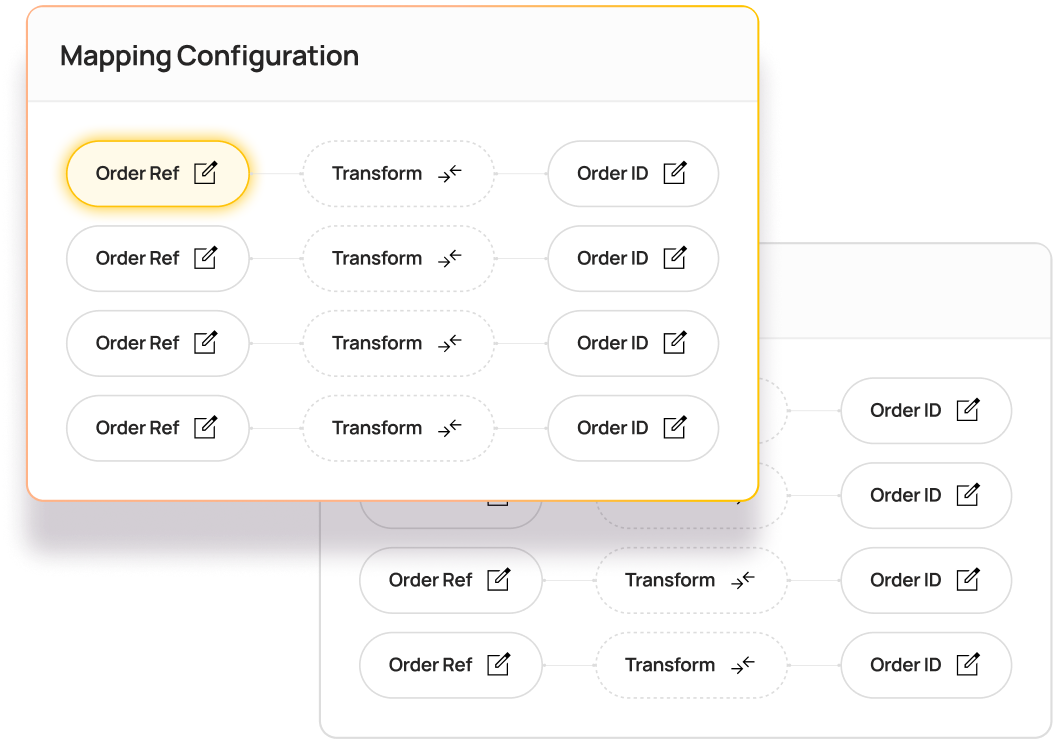
If a system has an API or an MCP server, Patchworks can connect it to Sage 200. Describe the integration in a prompt, or upload an API specification or JSON file, and AI Studio’s Implementation Agent builds the connector, process flows and field mappings for you, typically giving you a working model in minutes.
| Item |
Details
|
|---|---|
| Orders |
Storefront and marketplace orders are created in Sage 200 as sales orders, with the customer, lines, pricing and VAT.
|
| Stock and warehouses |
Stock levels from your Sage 200 warehouses are published to every channel, so each one sells from the right stock.
|
| Pricing and price bands |
Prices and customer price bands are maintained in Sage 200 and published to your storefronts, so B2B customers see their own prices.
|
| Customers and accounts |
Online and trade customers are matched to Sage 200 customer accounts, with their terms and credit status.
|
| Despatches and tracking |
Despatches recorded in Sage 200 or by your 3PL are sent back to the storefront with tracking numbers.
|
| Invoices, receipts and credit notes |
Invoices, payments and refunds are reconciled in Sage 200, so finance sees every channel in one ledger.
|
A Sage 200 integration is tested when order volumes spike, a 3PL changes or a month-end close lands in the middle of a sale.
Sage 200 integration connects Sage 200 to the other systems your business runs on, such as your ecommerce platform, marketplaces, warehouse and CRM, so orders, stock, pricing and customer data move automatically. It replaces file transfers and re-keying, so Sage 200 always reflects what’s happening across every channel. It’s part of our wider Sage integration range.
Yes. Sage 200 Standard and Sage 200 Professional both have a REST API, which uses OAuth 2.0 with your Sage ID. On Sage 200 Standard it’s available out of the box. Sage 200 Professional needs the API service installed and enabled first. The Sage 200 SDK is something different: it’s for customising Sage 200 Professional itself. Patchworks’ prebuilt Sage 200 connector uses the official API. See our Sage 200 connector documentation.
Sage 200 Professional needs two things before it can be integrated through the API. First, the Sage 200 API service is installed on a separate, externally facing web server on the same network as your Sage 200 and SQL servers. Second, Sage updates your licence to enable the API. Your Sage business partner usually handles this, and we’ll help make sure everything is in place before we connect.
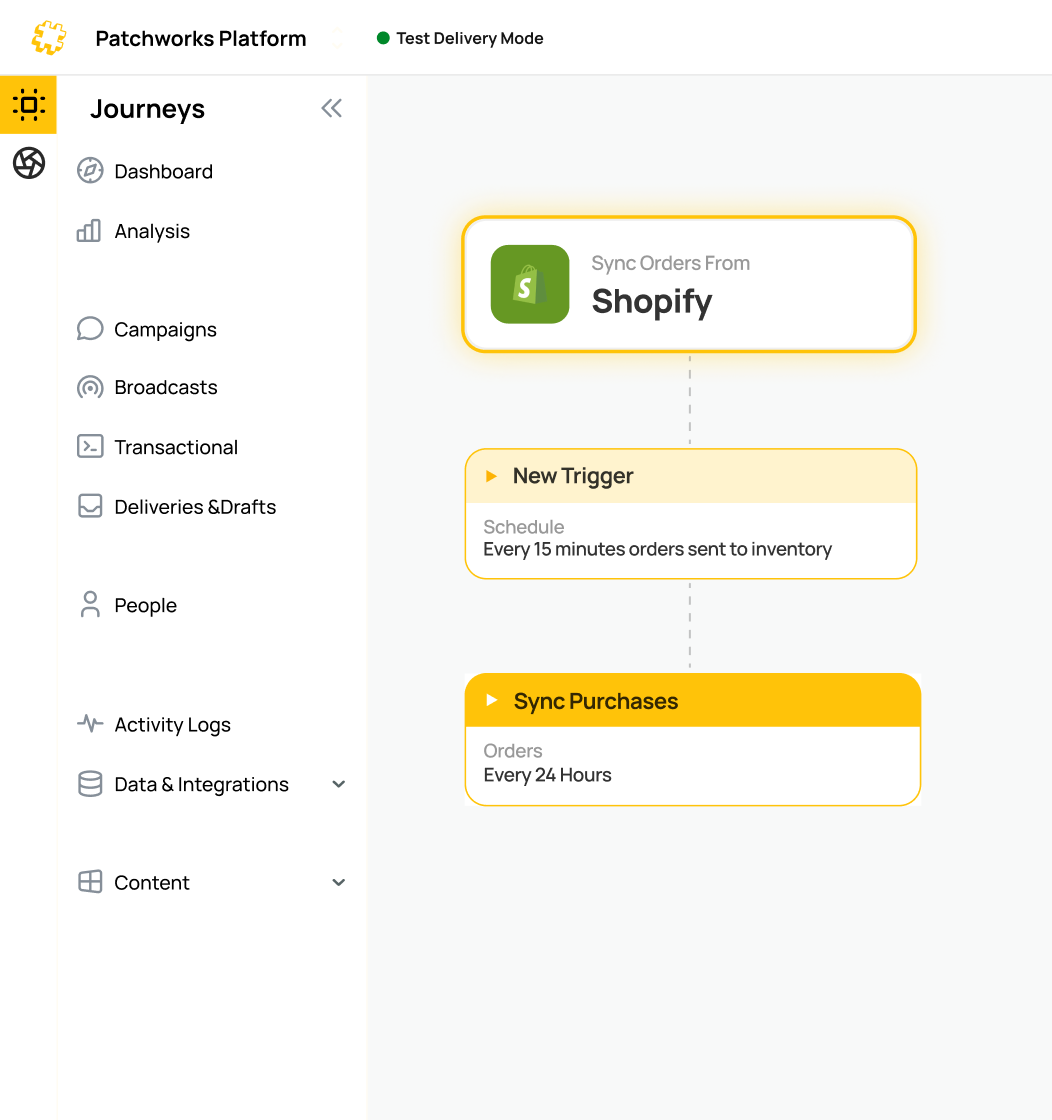
Connect Shopify through the Patchworks app and Sage 200 through our prebuilt connector, then configure the flows. Shopify orders become Sage 200 sales orders, and stock, price bands and despatches flow back to Shopify. Natural Instinct runs Shopify Plus with Sage 200 on Patchworks, serving B2B and DTC customers from one store. See our Shopify integration.
DO use a summary app if you sell through one channel and only need daily totals in Sage Accounting.
DON’T stack a different app for every channel when finance needs every order, refund and fee traceable in one ledger.
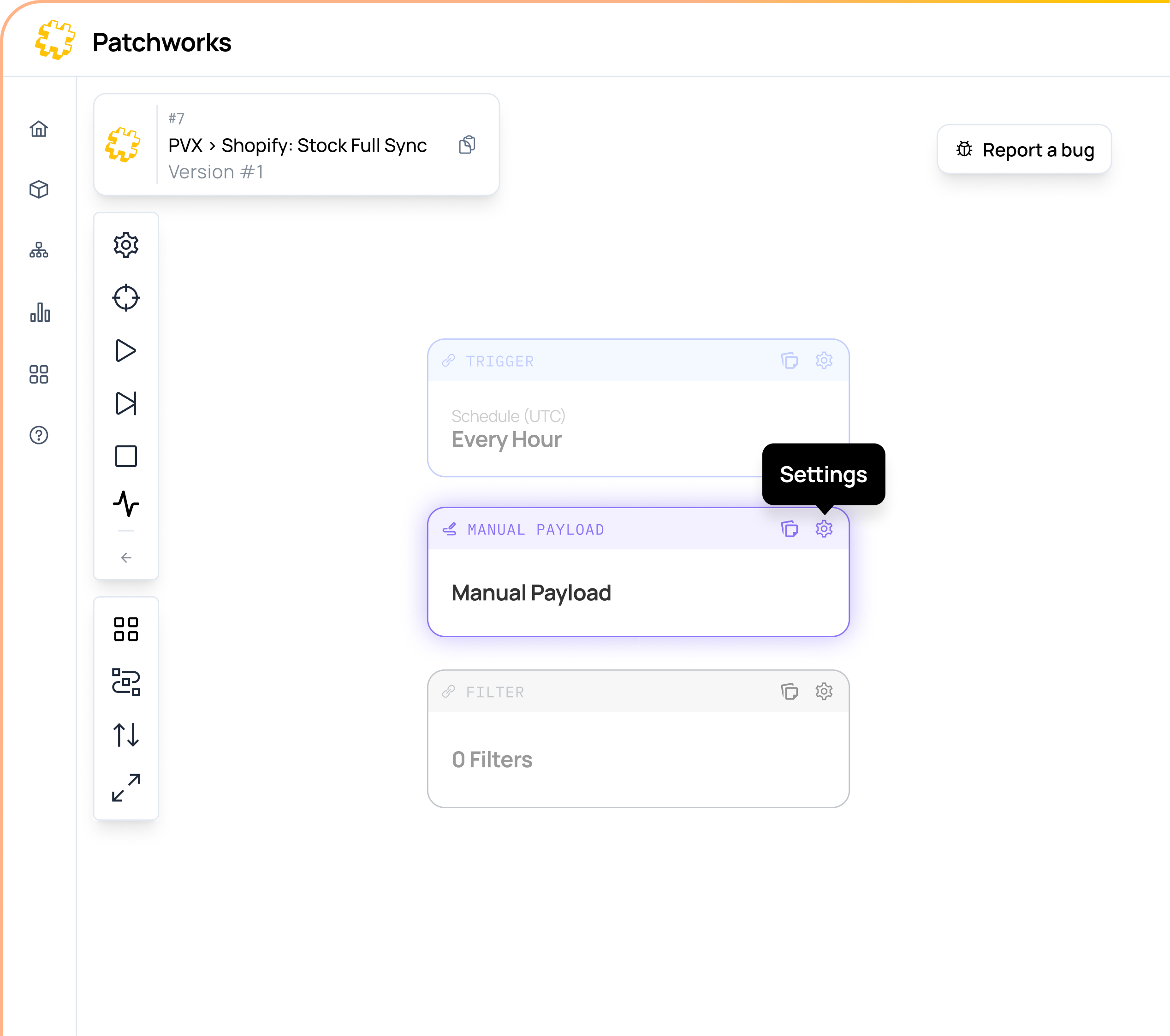
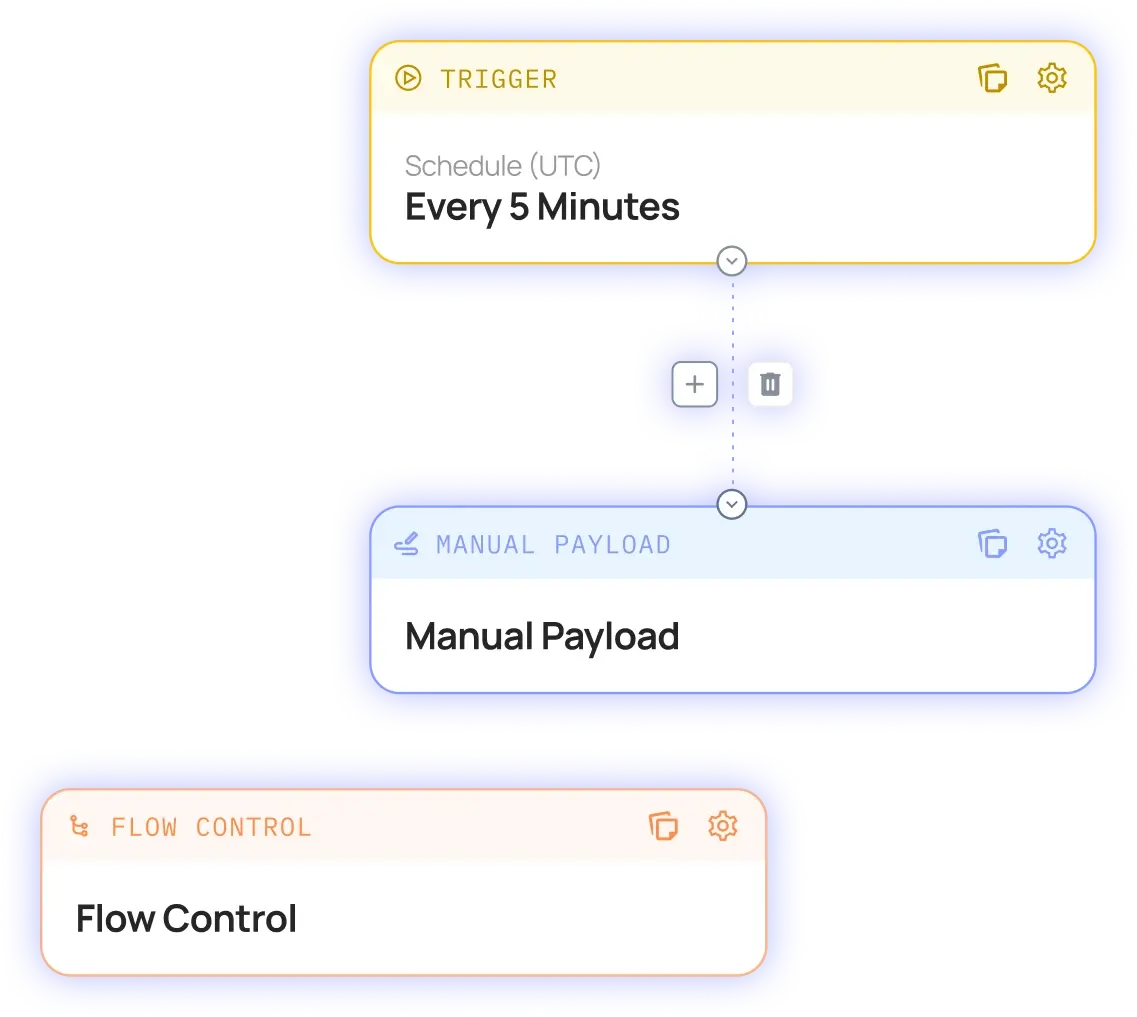
Through an integration platform rather than a plugin or file transfer. Patchworks creates WooCommerce or Adobe Commerce (Magento) orders in Sage 200 as sales orders, with the customer, lines and VAT, and publishes stock levels and price bands from Sage 200 back to your website. Flows are configured on a visual canvas and tested in staging before go-live. See our ecommerce integrations.
Yes. Patchworks reads stock levels from your Sage 200 warehouses and publishes them to your website and every other sales channel, on a schedule or whenever stock changes. Each channel sells from the right stock, which prevents overselling at peak. See inventory and stock synchronisation.
Yes. Patchworks sends Sage 200 sales orders to your WMS or 3PL, including Descartes Peoplevox, GXO, Huboo and ShipBob, and brings despatches, tracking and stock movements back into Sage 200. Because the warehouse connection is separate from Sage 200, you can change 3PL without rebuilding your Sage integration. See 3PL and fulfilment orchestration.
Yes, through Patchworks. HubSpot doesn’t offer a native Sage connector, so Patchworks fills that gap. Account teams see Sage 200 orders, balances and credit status in HubSpot or Salesforce, and closed deals become Sage 200 sales orders without re-keying. See our CRM integrations.
If one website is the only system feeding Sage 200, a single-channel connector or plugin can be enough. Brands choose an integration platform such as Patchworks when Sage 200 also needs to work with marketplaces, a 3PL, EDI partners or a CRM, because every channel then runs through one layer, with the same mapping, monitoring and error handling, instead of a different tool for each. Compare iPaaS platforms.
DO use a single-channel connector if one website is the only system feeding Sage 200.
DON’T add a separate tool for every channel when Sage 200 also needs to work with marketplaces, a 3PL, EDI or a CRM.
Yes. Customer price bands and account terms are maintained in Sage 200 and published to your B2B storefront, so trade customers see their own prices when they log in. B2B orders flow back into Sage 200 as sales orders against the right account, whether they come from your storefront or from EDI trading partners.
They carry on. Patchworks connects every Sage product, so when you move from Sage 50 to Sage 200, the storefront, marketplace and CRM side of your integrations stays as it is. Only the Sage connection changes, and your flows, mappings and monitoring continue.
It depends on how many systems you connect and how much data moves between them. Patchworks pricing is based on the number of connectors and monthly operations. An operation is counted each time Patchworks sends or receives a data payload. Every plan includes unlimited users. See pricing.
Most teams connect their first systems and deploy initial flows within days, and more complex estates typically go live in weeks. On Sage 200 Professional, allow time for the API service setup first. You can implement in-house with support from Patchworks’ engineers, or with a partner. Swanky delivered Natural Instinct’s integration. See our approved agency partners.
Yes, as long as it has an API or an MCP server. In AI Studio, describe the integration in a prompt or upload an API specification or JSON file, and the Implementation Agent builds the connector, process flows and field mappings, typically giving you a working model in minutes. You can also build connectors without code in Connector Builder.