
Fashion & Apparel
Gymshark
Realising their current IT infrastructure wasn’t equipped to handle the brand’s extraordinary growth, Gymshark set out to look for a new solution.
Case Study
MCP Server
The Patchworks MCP Server turns your integrations into agentic commerce infrastructure. Connect tools like ChatGPT, Claude, or Gemini to your stack, query real-time data, and triage issues—securely and in minutes.

Let AI assistants query data and monitor operations across your integrations—from orders and inventory to customers and fulfilment.
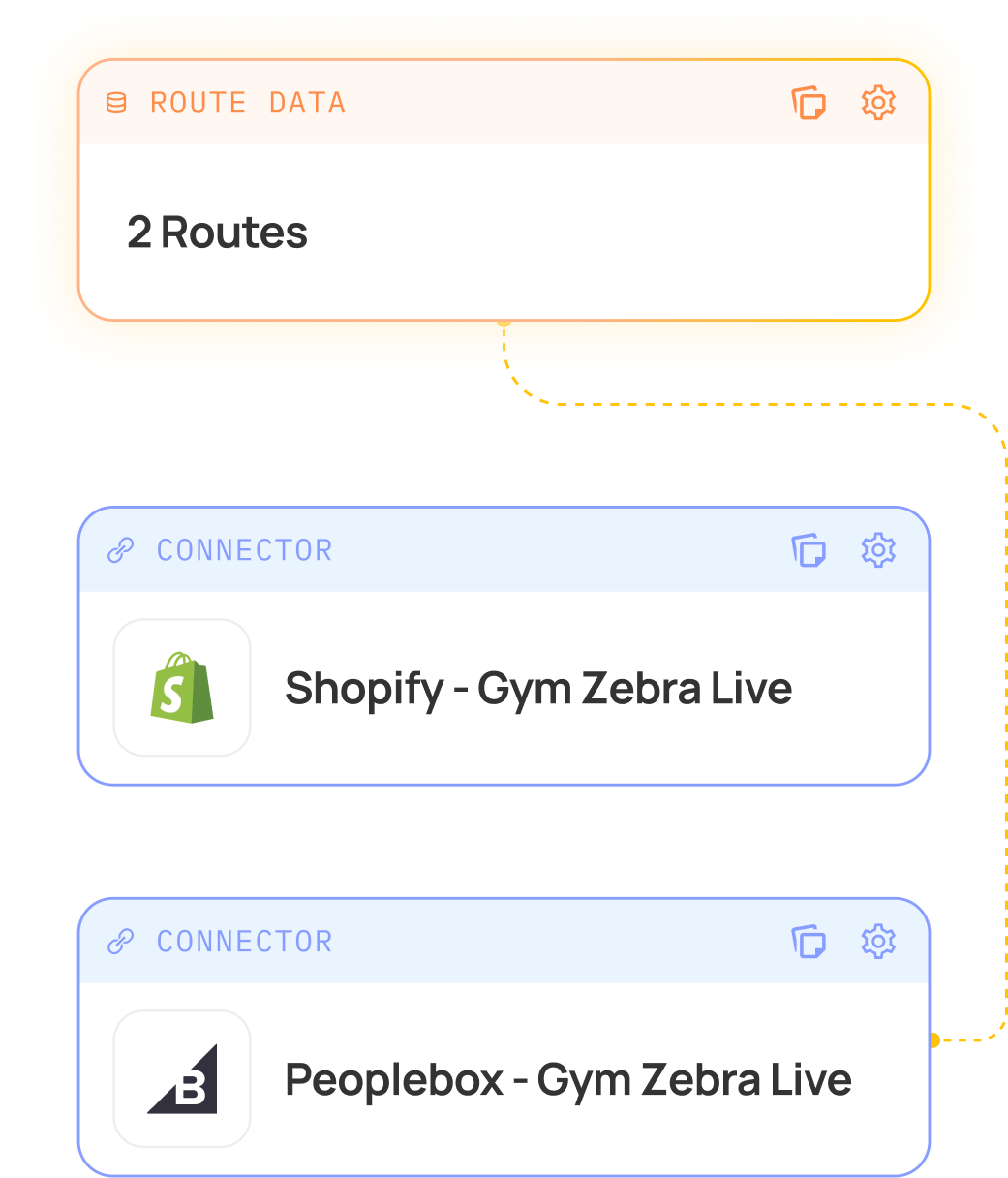
From failed orders to syncing inventory issues, AI can surface Patchworks intelligence with a simple question.
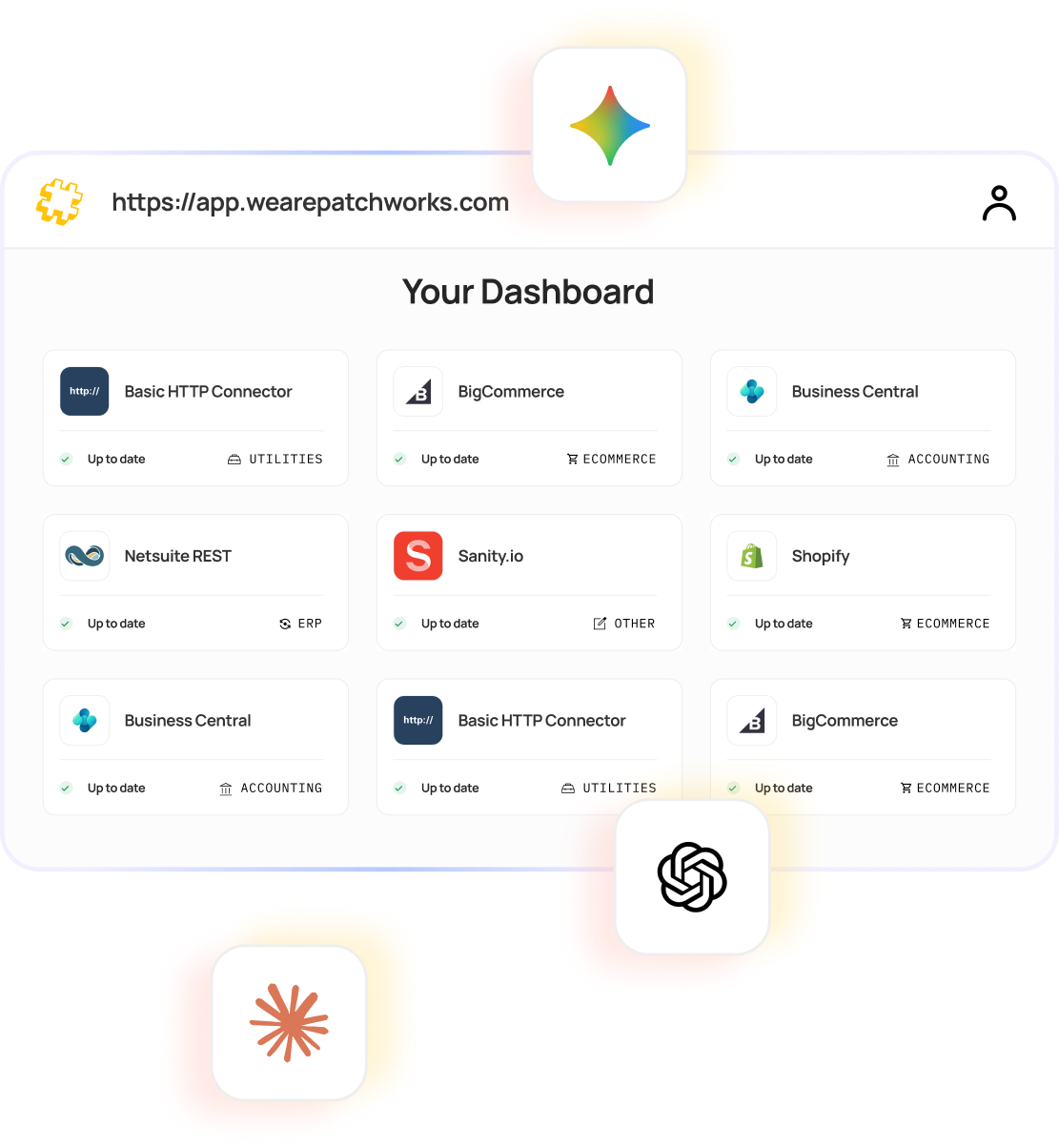
Expose your systems to AI safely using predefined tools and permissions—built on Patchworks’ enterprise-grade security.
Patchworks’ MCP Server gives AI assistants real, secure access to your integrations—so they can query data, trigger workflows, and support operations without adding complexity to your stack.
Link AI assistants like ChatGPT, Claude, or Gemini to your Patchworks environment using MCP. No complex setup—just secure, structured access to your integrations.

Ask AI to check your workflows and fix issues faster. MCP turns natural language into operational monitoring across your systems—without you leaving your AI.

Monitor how AI interacts with your workflows using logs, alerts, and execution tracking. Stay in control while AI handles the heavy lifting.

Define and expose the exact actions AI can take—from reviewing orders to running operations diagnostics—tailored to your business logic and integrations.

All AI interactions are governed by permissions and structured tools, ensuring safe, controlled access to your systems and data.
Connect Shopify to your ERP, WMS, marketplaces and marketing tools with reliable, real-time data flows. Build, test and deploy integrations faster using sandbox environments—reducing risk, accelerating go-live, and eliminating manual work.
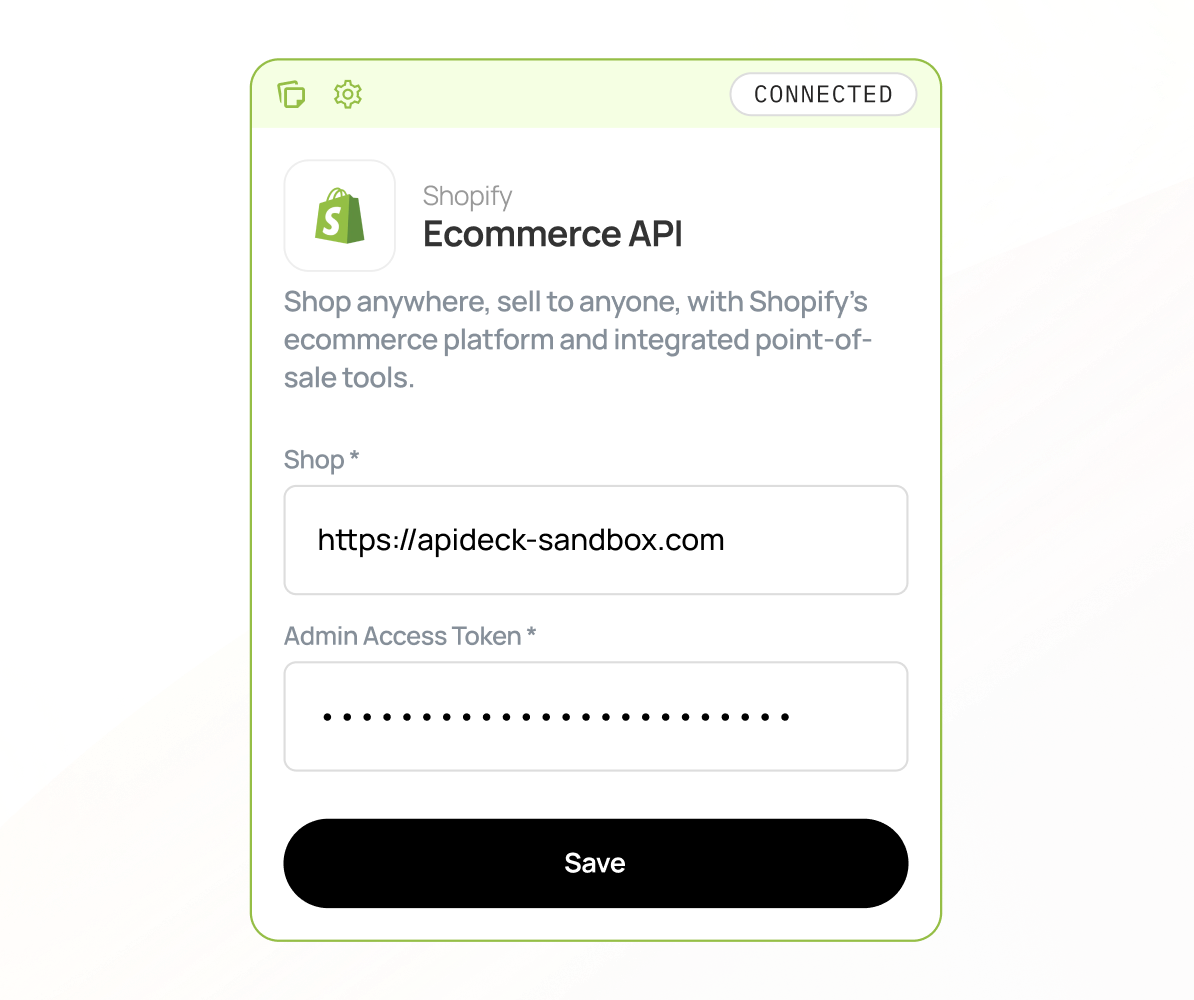
Connect NetSuite with Shopify, WMS, 3PLs, and marketplaces to keep orders, inventory, and financial data perfectly in sync.
Automate complex workflows, reduce errors, and gain real-time visibility across your entire operation.
Connect Veeqo with Shopify, ERP, and marketplaces to automate order routing, inventory updates, and fulfilment workflows.
Keep stock accurate, ship faster, and maintain full visibility from checkout to delivery.
Reduction in Error Rates

“What surprised me was just how effortless it was. Once the data was prepared properly, Patchworks moved it into Shopify incredibly fast.”
Andy Richley
Head of Tech, Castore
Total Managed Flows

“Patchworks offers a great portfolio of integrations and are working towards many more.”
Paula Abisolo
Omni-Channel Delivery Lead, Mint Velvet
The Patchworks MCP (Model Context Protocol) Server connects your integration layer to AI tools like ChatGPT, Claude, and Gemini. It allows AI assistants to securely query data, trigger workflows, and interact with your systems in real time.
With MCP, AI can move beyond insights and take action. This includes querying live data, triggering workflows (like syncing inventory or retrying failed orders), and interacting with your integrations using natural language.
Setup is quick. The Patchworks MCP Server is fully hosted, so you can connect your AI tools and start interacting with your integrations in minutes—no additional infrastructure required.
Basic familiarity with integrations and APIs helps, but you don’t need to be a developer to get started. The MCP Server is designed to make interacting with your systems via AI simple and accessible.
Yes. MCP uses structured tools and permissions to control exactly what AI can see and do. You define the scope of access, ensuring your data and operations remain secure and governed at all times.
Absolutely. You can define and restrict the tools available to AI, meaning it can only perform approved actions within your workflows.
Yes. MCP sits on top of your existing Patchworks integrations, so there’s no need to rebuild anything. It simply exposes your current workflows and systems to AI in a controlled way.
The MCP Server is designed to work with AI assistants that support the Model Context Protocol, including tools like ChatGPT, Claude, and Gemini.
No. MCP is designed to support and accelerate teams—not replace them. It reduces manual effort, speeds up operations, and allows both technical and non-technical users to work more efficiently.
AI is rapidly moving from insight to execution. Businesses that enable AI to interact with their systems will move faster, reduce manual work, and adapt more easily to new commerce models. MCP ensures your stack is ready for that shift.
Average Review Score on G2

Fashion & Apparel
Case Study

Home Furniture & Interiors
Case Study

Leisure & Hobbies
Case Study
BOOK DEMO
To ensure you get the best from your personalised demo, we need to gather some information. This helps us match you with an expert who understands your needs.
Partner application
To make the most of your partnership application with Patchworks, we need to collect some details. This allows us to connect you with a representative who can address your specific requirements.

“You should have partnered with Patchworks yesterday. It saves time, cuts costs, and most importantly keeps your customers happy.”
Gentian Shero
Co-Founder & Chief Strategy Officer, Shero Commerce
“You should have partnered with Patchworks yesterday. It saves time, cuts costs, and most importantly keeps your customers happy.”
Gentian Shero
Co-Founder & Chief Strategy Officer, Shero Commerce
Partner match making
Tell us a little about yourself and your company, and we’ll find the perfect expert to help.
Partner match making
Event Title
Complete the form below to reserve your place and be the first to receive event updates & details.
Download resource
Tell us a little about yourself to download this quality resource.