











Ecommerce
Shopify
Connect Shopify and Shopify Plus to your ERP, 3PL, marketplaces and CRM with Patchworks, Shopify’s only certified technology partner for integrations.

Prophet 21 runs your distribution business. Patchworks makes sure everything around it keeps up: your B2B storefront, marketplaces, CRM, 3PLs and suppliers, all working from the same orders, stock and prices.
Connect Epicor P21 to the rest of your stack without custom middleware to maintain, and see every sync in one place when something needs attention.
Supporting complex retail operations across fast-growing brands


| Item |
|
|---|---|
| Connector |
Prophet 21 connector
|
| Prophet 21 API |
P21 Middleware: Data Services (OData v4), Transaction API and Entity REST services
|
| Authentication |
Dedicated P21 service account
|
| Deployment |
Epicor-hosted cloud and on-premise Prophet 21
|
| Prophet 21 objects |
Sales orders, customers and ship-tos, items, inventory by location, pricing, shipments, invoices and purchase orders
|
| Connects Prophet 21 to |
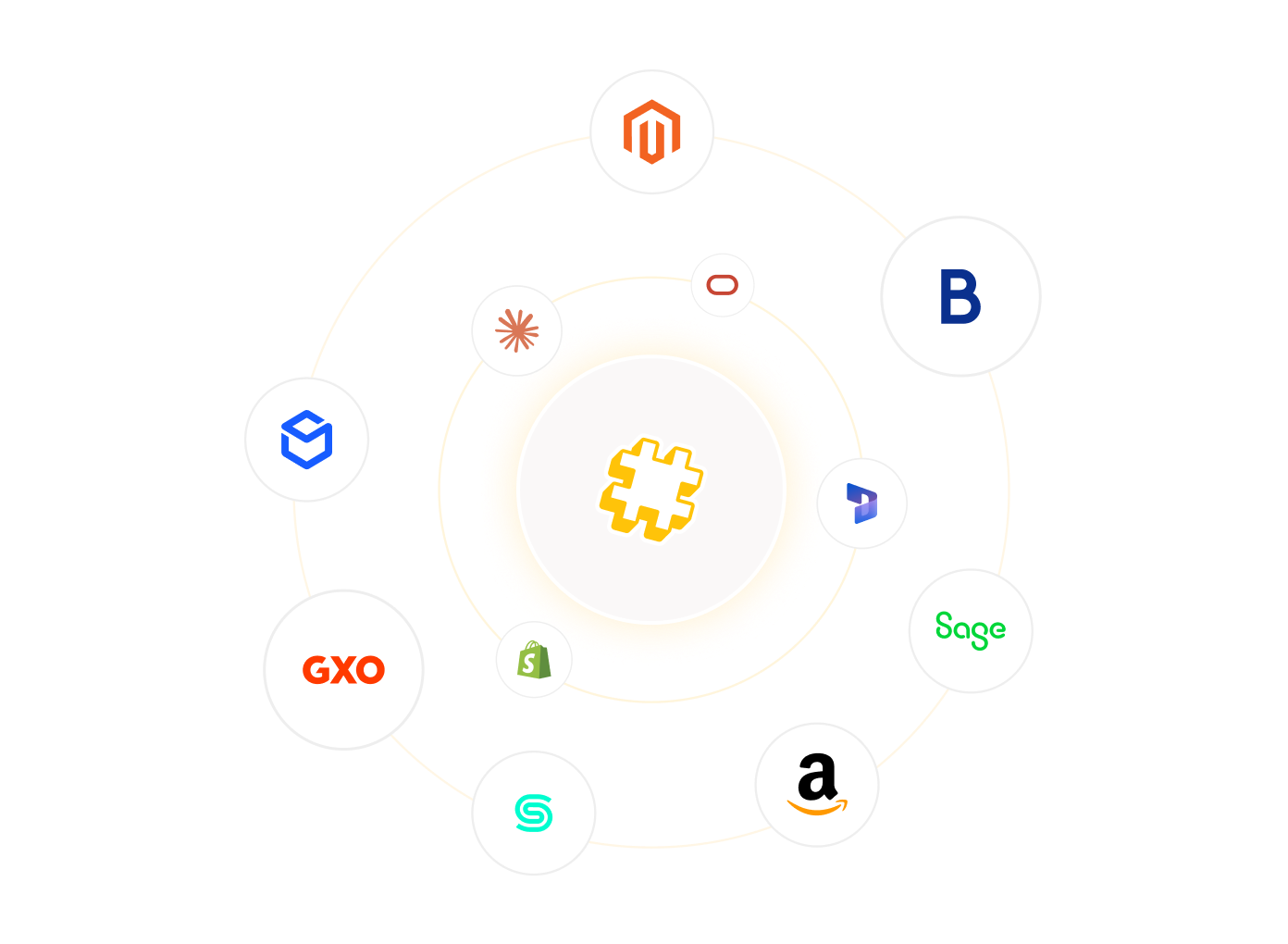
Any system with an API or MCP server, through a prebuilt connector or one built in minutes with AI Studio
|
| Triggers |
Scheduled, webhook, callback and event-driven process flows
|
| Environments |
Test against a P21 test environment before deploying to production
|
| Security |
SOC 2 and ISO 27001
|
| Pricing |
Based on connected systems and monthly operations, with unlimited users
|
Connect Prophet 21 to Shopify, Adobe Commerce (Magento), BigCommerce or commercetools, and trade buyers see their own contract prices and live stock by branch. Orders drop straight into P21 as sales orders with the right customer, ship-to and warehouse, with no re-keying by the sales office.
List from your P21 item master on Amazon and other marketplaces, and route marketplace orders into Prophet 21 like any other channel. Stock updates keep every listing accurate, so you never sell what a branch can’t ship.
Put P21 order history, invoices and account status on the HubSpot or Salesforce records your reps already use. New accounts opened in the CRM are set up once in P21, with their ship-to addresses and terms.
Prophet 21 holds your item master. Connect it to Akeneo, Plytix or Salsify to enrich items once, then publish consistent product data, units of measure and discontinued lines to every channel.
Send picks to your 3PL or WMS and bring confirmations, inbound receipts and tracking back into P21. Buyers get tracking as soon as an order ships, and what’s on order is as visible as what’s on hand.
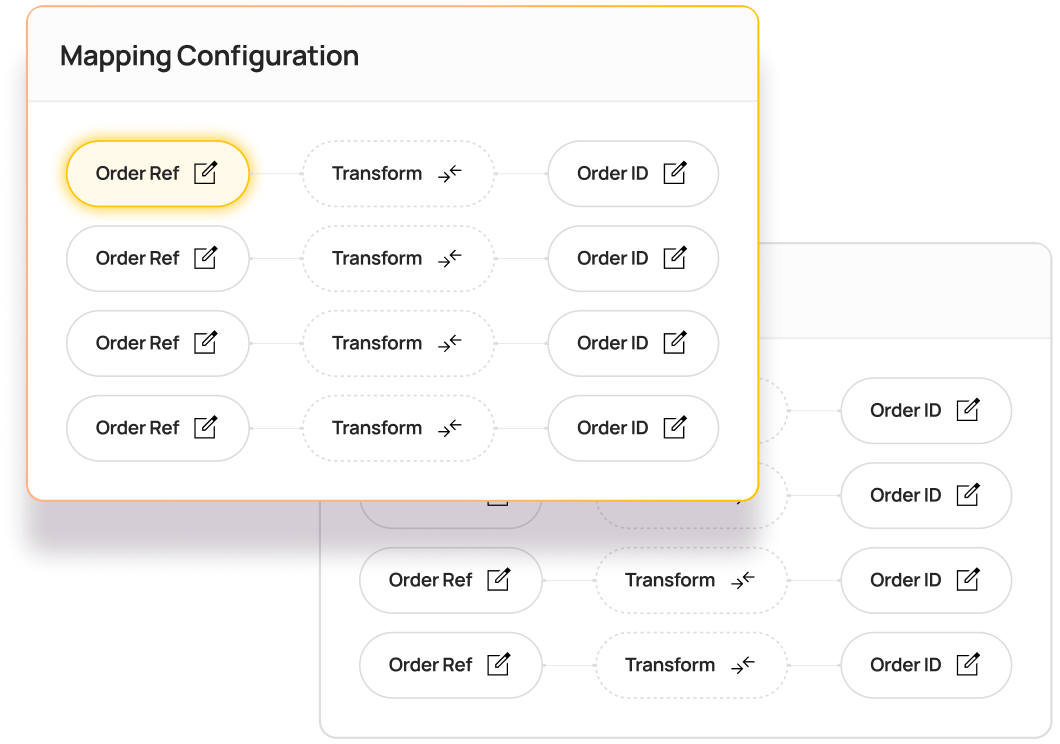
If a system has an API or an MCP server, Patchworks can connect it to Prophet 21. Describe the integration in a prompt, or upload an API specification or JSON file, and AI Studio‘s Implementation Agent builds the connector, process flows and field mappings for you, typically giving you a working model in minutes.
That matters with P21, where years of custom fields, pricing rules and branch-specific set-up mean no two environments look alike. Your team spends its time checking the edge cases, not building the basics.
| Item |
Details
|
|---|---|
| Sales orders |
Orders from your storefront, marketplaces and CRM are created in P21 as sales orders with the right customer, ship-to, pricing and warehouse.
|
| Inventory by location |
Stock levels from each P21 branch or warehouse reach your storefront and marketplaces, so buyers only see what you can ship.
|
| Customer-specific pricing |
Contract pricing, price books and quantity breaks held in P21 reach your B2B storefront, so trade buyers see their price, not your list price.
|
| Customers, accounts and ship-tos |
New online accounts are created in P21 once, with ship-to addresses and terms, and changes your team makes in P21 flow back.
|
| Items and product data |
New items, discontinued lines and unit-of-measure changes in your P21 item master flow to your PIM, storefront and marketplaces.
|
| Shipments and tracking |
Shipment confirmations and tracking from P21 or your 3PL reach buyers and update order status on every channel.
|
| Invoices and payments |
Invoices raised in P21 appear in buyers' online accounts, and online payments reconcile back to P21 without manual matching.
|
| Purchase orders |
Purchase orders, supplier confirmations and inbound receipts move between P21 and your suppliers or 3PLs.
|
Most Prophet 21 integrations work on launch day. The test comes when order volumes spike, a new channel joins the stack, or a sync fails in the middle of your busiest season.
A Prophet 21 integration connects Epicor P21, a distribution ERP, to the other systems a business runs on, so data moves between them automatically. For distributors, that usually means sending orders from storefronts, marketplaces and CRMs into P21, and publishing stock, pricing, account and shipment data back out. See all our ERP integrations.
Yes. Prophet 21 exposes its data through the P21 Middleware: Data Services based on OData v4 for reading data, the Transaction API for writing transactions such as sales orders, and Entity REST services for creating and updating individual records. Patchworks connects using a dedicated P21 service account, then handles mapping, retries and monitoring, so you’re not maintaining custom code.
Epicor Automation Studio is an iPaaS powered by Workato and embedded in Prophet 21. For Epicor-to-Epicor workflows and simple automations, it may be all you need. Distributors typically add a commerce iPaaS such as Patchworks when P21 sits at the centre of storefronts, marketplaces, PIM and 3PLs that need commerce-specific flows, monitoring and error handling. Compare iPaaS platforms.
DO use Epicor Automation Studio for Epicor-to-Epicor workflows and simple automations your team is happy to own.
DON’T rely on it alone when P21 feeds storefronts, marketplaces, PIM and 3PLs that need commerce-specific flows.
Yes. Epicor-hosted P21 connects directly over the internet. For on-premise P21, the P21 Middleware must be securely reachable by Patchworks, which your IT team or Epicor partner can set up.
Yes. Patchworks sends Shopify orders into P21 as sales orders, and returns stock by location, customer-specific pricing and tracking to Shopify. It works for Shopify B2B as well as standard storefronts, and the same flows can reach your 3PL and CRM. Shopify integration.
Yes. Patchworks puts P21 order history, invoices and account status on HubSpot contacts and companies, and when a deal closes in HubSpot, the customer and sales order can be created in P21. Sales and finance work from the same data without re-keying. See our HubSpot integration.
Yes. Patchworks connects Prophet 21 to Salesforce so reps can see P21 order history and account details in Salesforce, and the same platform connects both systems to your storefront, marketplaces and 3PLs. See our Salesforce integration.
Yes. Contract pricing, price books and quantity breaks held in P21 can be published to your B2B storefront, so trade buyers see their own price when they log in. Your pricing rules stay in P21, and Patchworks carries the result to each channel.
Patchworks talks directly to the Prophet 21 APIs, so the question isn’t whether an object is supported. It’s what you want to happen with it. The most common flows cover sales orders, inventory by location, customer-specific pricing, customers and ship-tos, items, shipments, invoices and purchase orders. Need something bespoke? Use Connector Builder.
Not necessarily. Many teams build and run their integrations in-house on Patchworks, with support from its senior engineers. Most teams deploy their first flows within days, and more complex estates go live in weeks rather than months. Heavily customised P21 environments take longer, mostly for mapping and testing. If you’d rather hand it over, you can work with one of our approved agency partners.
It depends on how many systems you connect and how much data moves between them. Patchworks pricing is based on the number of connectors and monthly operations. An operation is counted each time Patchworks sends or receives a data payload. Every plan includes unlimited users. See pricing.
Yes, as long as it has an API or an MCP server. In AI Studio, describe the integration in a prompt or upload an API specification or JSON file, and the Implementation Agent builds the connector, process flows and field mappings, typically giving you a working model in minutes.