TL;DR: IBM MQ carries some of the most important messages in your retail stack — order updates, stock movements, fulfilment events. Here’s how to connect it to Patchworks and turn those messages into automated, real-time workflows, without writing custom listener code.
Your queue already knows what’s happening. Your systems just aren’t listening.
If your business runs on IBM MQ, you already have a live feed of everything that matters — orders shipped, inventory adjusted, payments captured. The information is there, sitting in a queue, the moment it happens.
The catch is what happens next. For a lot of teams, getting that message out of MQ and into the systems that need it — your OMS, your ERP, your fulfilment provider — still means custom scripts, scheduled polling jobs, or a developer on standby to keep the listener alive.
None of that is because MQ is hard. It’s because turning a queue message into a working, monitored, automated process is usually the part nobody builds properly the first time.
This guide walks through what IBM MQ is doing in a commerce stack, why it’s worth treating as an event source rather than a background system, and exactly how to connect it to Patchworks — using the same three-step setup shown in our walkthrough video.
What is IBM MQ, and why does it matter for commerce? (quick breakdown)
IBM MQ is enterprise messaging middleware. It lets systems exchange data asynchronously through queues and topics, rather than calling each other directly. One system publishes a message; one or more systems consume it, whenever they’re ready.
In a retail or commerce context, that usually means:
- Order status changes (created, shipped, cancelled, returned)
- Inventory and stock level movements
- Warehouse and fulfilment confirmations
- Legacy ERP or mainframe events that don’t have a modern webhook equivalent
MQ is popular in exactly the environments where Patchworks gets used most — retailers running a mix of modern SaaS and long-standing enterprise systems that were never designed to talk to each other directly.
The old way: polling, custom listeners, and a lot of babysitting
If you’ve connected MQ to anything before, some version of this will be familiar:
- Writing a custom listener to consume messages off the queue
- Polling on a schedule because a real-time listener felt like too much to maintain
- Bespoke retry and error-handling logic for every consumer
- No visibility into a message until something downstream breaks
- One more service that has to be kept running, patched, and monitored
None of this is complex in isolation. But it’s repetitive, easy to get slightly wrong, and it’s infrastructure your team maintains forever, for every new queue you want to act on.
The real problem isn’t consuming a message from MQ — it’s what it costs to keep doing it reliably, across every event you care about.
How Patchworks connects to IBM MQ
Patchworks includes a native IBM MQ event connector. You configure it once, at the connector level, and any message published to your chosen queue or topic can trigger a Patchworks process flow — automatically, in real time.
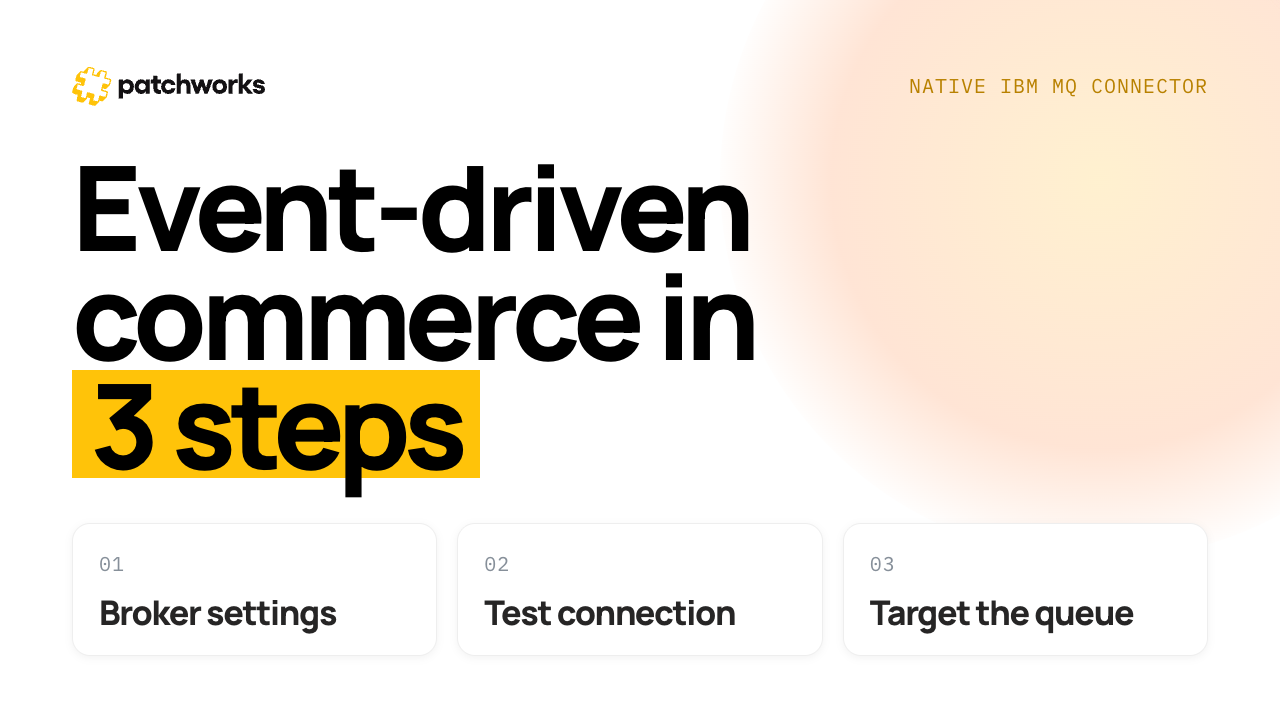
Setup happens in three steps.
Step 1 — Broker settings
Create the event connector by entering your broker host, port, and selecting the IBM MQ protocol (AMQP-0-9-1). You’ll also choose an authentication method — Basic authentication is the standard starting point.
Step 2 — Test connection
Add your credentials, queue manager name, and server-connection channel. If you’re using TLS — required for IBM MQ TLS setups and for private or self-signed AMQP certificates, optional if your broker uses a public CA — paste in the CA certificate here. Then run a test connection to instantly confirm Patchworks can reach your broker before anything goes live.
Step 3 — Target queue
Select the consumer type (queue or topic) and the specific queue name you want Patchworks to listen to. From this point, every message published to that queue can stream directly into a Patchworks process flow.
That’s the whole setup. No listener service to deploy, no polling schedule to maintain, no separate monitoring tool to bolt on afterwards.
What this looks like in practice
Say an order moves to “shipped” in your fulfilment system, and that update is published to MQ as a simple event:
{“orderId”:”DEMO-001″,”status”:”shipped”}
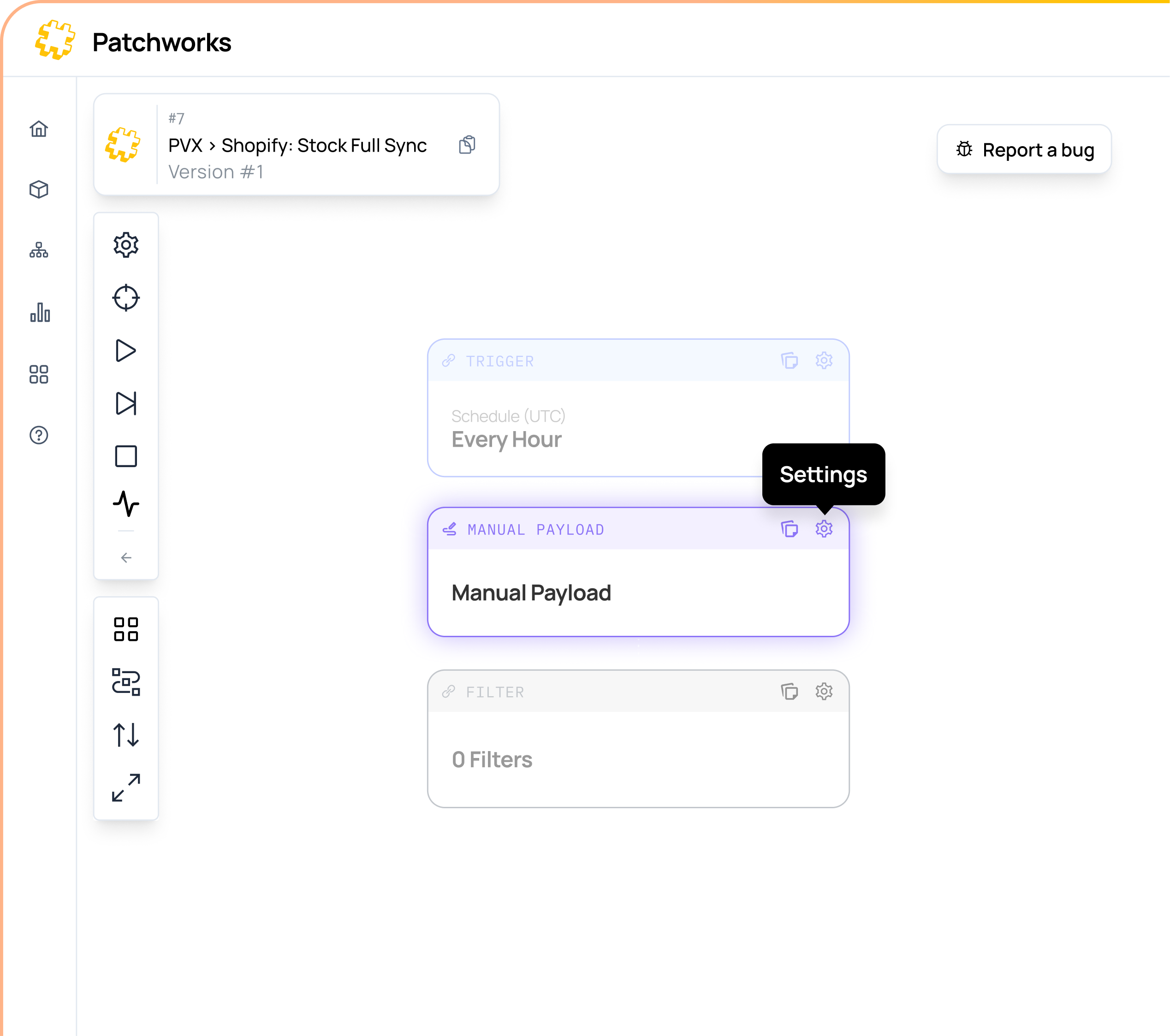
The moment that message hits your queue, Patchworks picks it up, triggers the relevant process flow, and takes it from there — updating your OMS, notifying downstream systems, or kicking off whatever automation you’ve mapped to that event. You can see the full trigger, payload, and run log in Patchworks for every message, which makes debugging a lot less guesswork and a lot more “click and see.”
It’s the same underlying idea as connecting any modern webhook-based platform — you’re just applying it to a messaging system that predates webhooks by a couple of decades.
FAQs
What is IBM MQ used for in commerce integrations?
IBM MQ is enterprise messaging middleware that lets systems exchange data asynchronously through queues, commonly used to carry order, inventory, and fulfilment events across retail technology stacks.
Can I connect IBM MQ to an iPaaS platform without custom code?
Yes. Patchworks includes a native IBM MQ event connector, so messages published to a queue or topic can trigger automated Patchworks process flows in real time, without building or maintaining custom listener code.
Do I need a certificate to connect IBM MQ securely?
A CA certificate is optional for AMQP brokers using a public certificate authority, but required for IBM MQ TLS connections and for private or self-signed AMQP certificates.
How long does it take to set up an IBM MQ connector in Patchworks?
Setup takes three steps — broker settings, test connection, and target queue — and can typically be completed in a few minutes.
Final thought: your queue shouldn’t be a dead end
IBM MQ is doing exactly what it’s meant to do — reliably carrying messages between systems. The gap is usually what happens after the message lands. Turning that into automation shouldn’t require a dedicated listener service and a maintenance backlog.
Handled properly, an MQ event becomes just another trigger in your automation — no different to a webhook, no extra infrastructure to babysit.